Your video freezes just as the morning meeting is about to start, file uploads drag on, or your VPN connection keeps dropping: these are the most frustrating parts of working from home. For remote workers, internet is no longer just a connection that loads web pages; it means meetings, file sharing, cloud access and uninterrupted communication all day long. That's why looking only at the Mbps figure is often not enough when choosing a package.
The right home internet depends on how you work. Someone who only uses email and office tools during the day has different needs from someone who is constantly on Zoom calls, uploading large files or connecting to a remote server. To make the right decision, first consider your usage habits, then the infrastructure, and finally the quality of support.
Why is internet for remote workers evaluated differently?
There is a clear difference between standard home use and remote work. A connection that seems fine for watching videos or browsing social media in the evening may fall short during working hours. In professional use, stability matters just as much as speed.
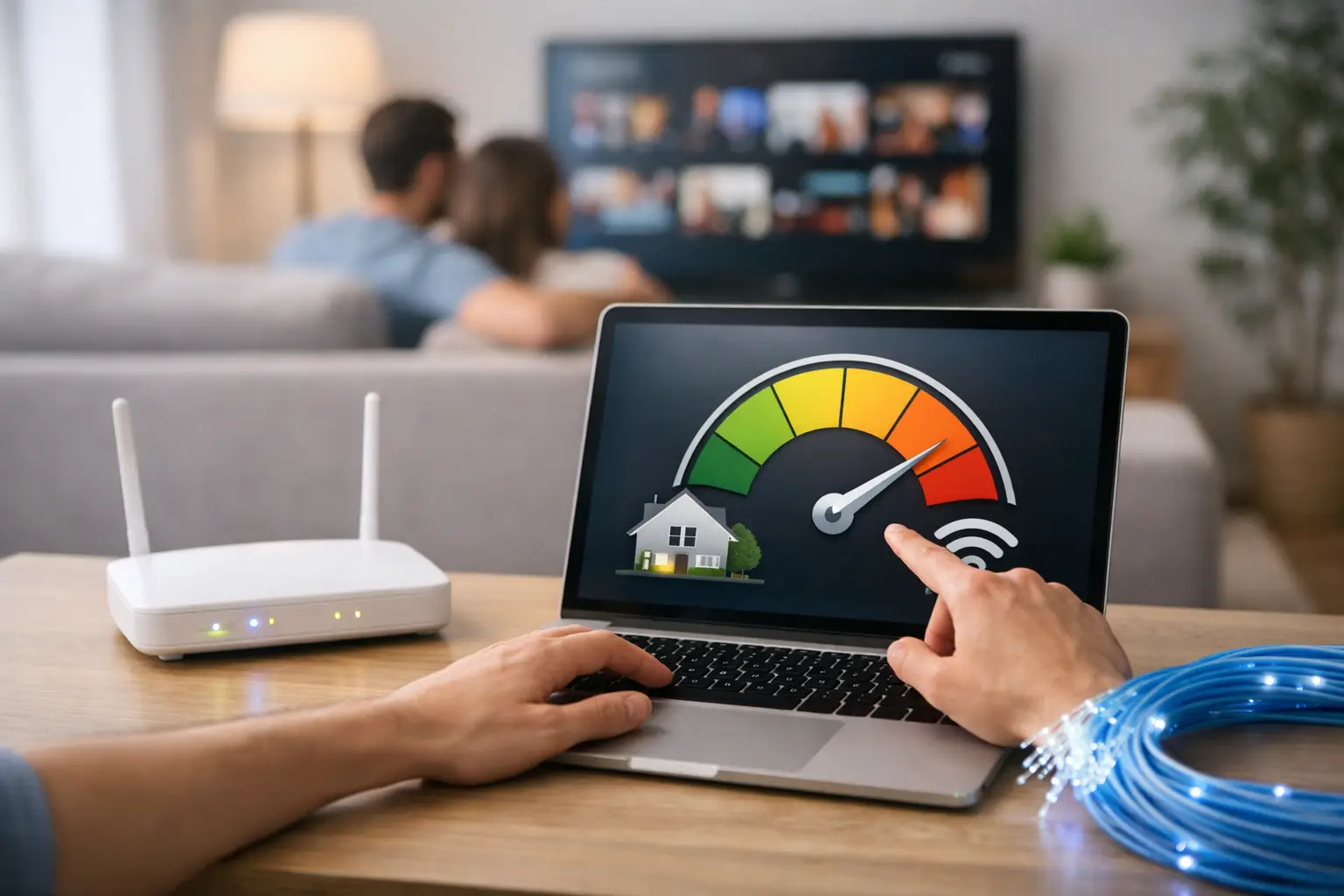
In video meetings especially, a connection that doesn't fluctuate is more important than peak speed. If you need to join a meeting and upload files to the cloud at the same time, a low upload speed is noticeable right away. And if there are other users at home, such as children attending online classes or family members streaming in 4K, the load on the connection increases quickly.
So the right connection for working from home isn't the one that looks fast on paper, but the one that stays stable all day in practice.
Don't look only at download speed when choosing a package
Most users focus on download speed first when comparing internet packages. But when working from home, upload speed is at least as important. Sending video in meetings, sharing files with tools like WeTransfer, backing up to the cloud and using remote desktop all depend on upload performance.
For example, a 100 Mbps download speed sounds powerful. But if the upload side is weak, quality can suffer, especially in meetings with the camera on. Audio delays, blurry video and dropped connections are often caused by this.
Ping shouldn't be overlooked either. Low latency makes live meetings, VoIP calls and remote desktop connections much smoother. An internet connection that looks fast on paper but has high latency can slow down your workflow.
What do different types of use require?
For everyday office tasks, email, document editing and web-based systems, a mid-range connection is usually enough. But if your work relies heavily on video calls or you handle large files, you'll need higher speeds and stronger upload. Designers, software developers, content creators and people who spend much of their day on calls need even more.
There is no single right package. Your needs depend on how many people are connected in the same household and at what times usage peaks.
The type of infrastructure directly affects your experience
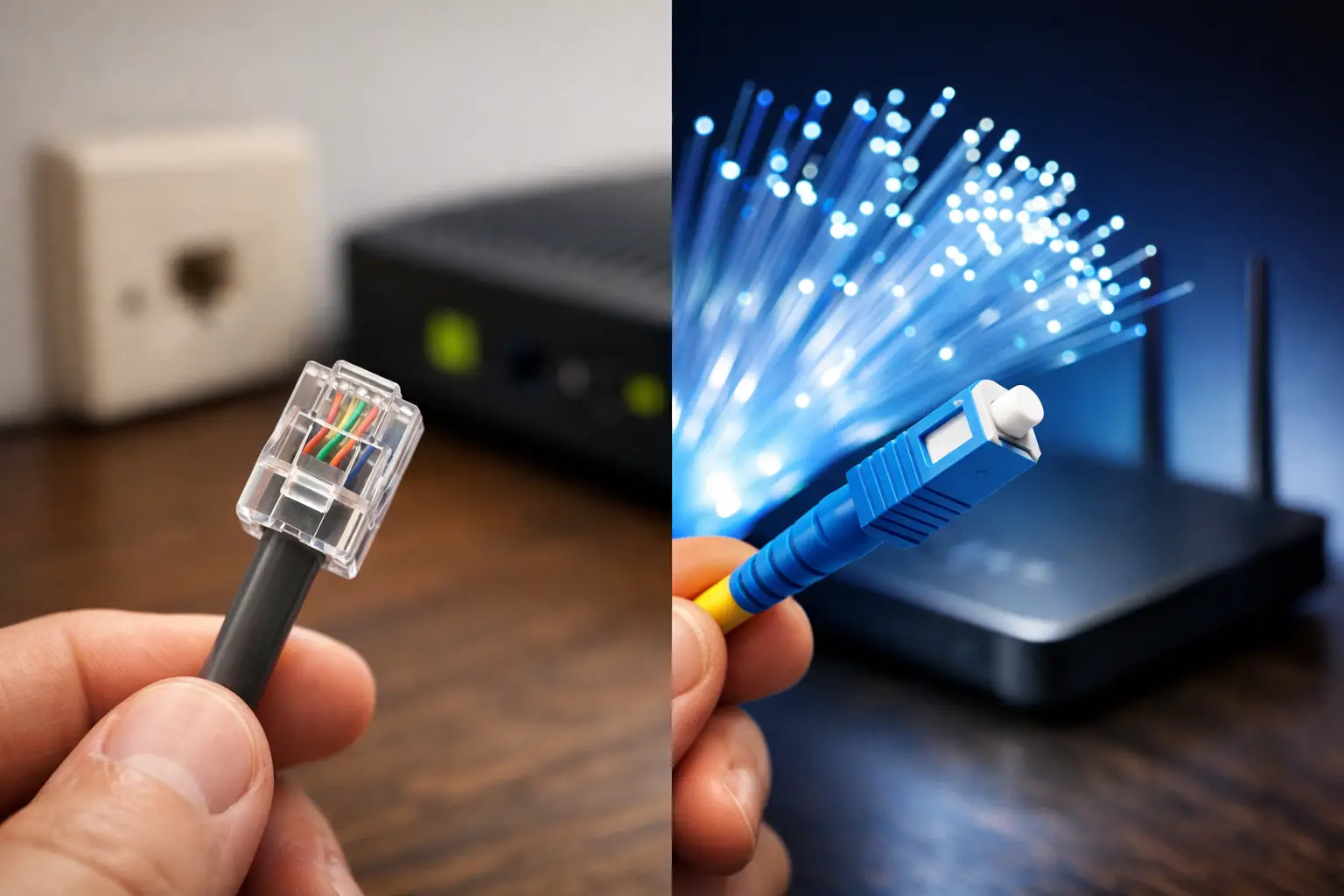
Infrastructure is critical when choosing internet for working from home. The difference between fiber, VDSL and wireless solutions isn't just speed; stability, latency and peak-hour performance can vary too.
Fiber internet is generally the best option where the infrastructure is available. It supports higher speeds, delivers more stable performance under heavy use and gives more satisfying results, especially for uploads. For remote workers, that means a more comfortable experience.
VDSL can still be a strong alternative in many areas. With good infrastructure quality, it easily handles most daily tasks. However, details such as in-building wiring, distance from the exchange and even cable quality can affect performance.
Wireless internet can be a solution in areas where infrastructure is limited. While it can work efficiently under the right conditions, your location, signal strength and environmental factors can change the results. That's why, when weighing your options, the real-world experience at your address matters as much as the theoretical speed.
Your modem and home setup matter more than you think
Even with the right package, an old modem or poor placement can reduce internet performance. Many remote workers realize late that the problem comes from their home setup, not the provider.
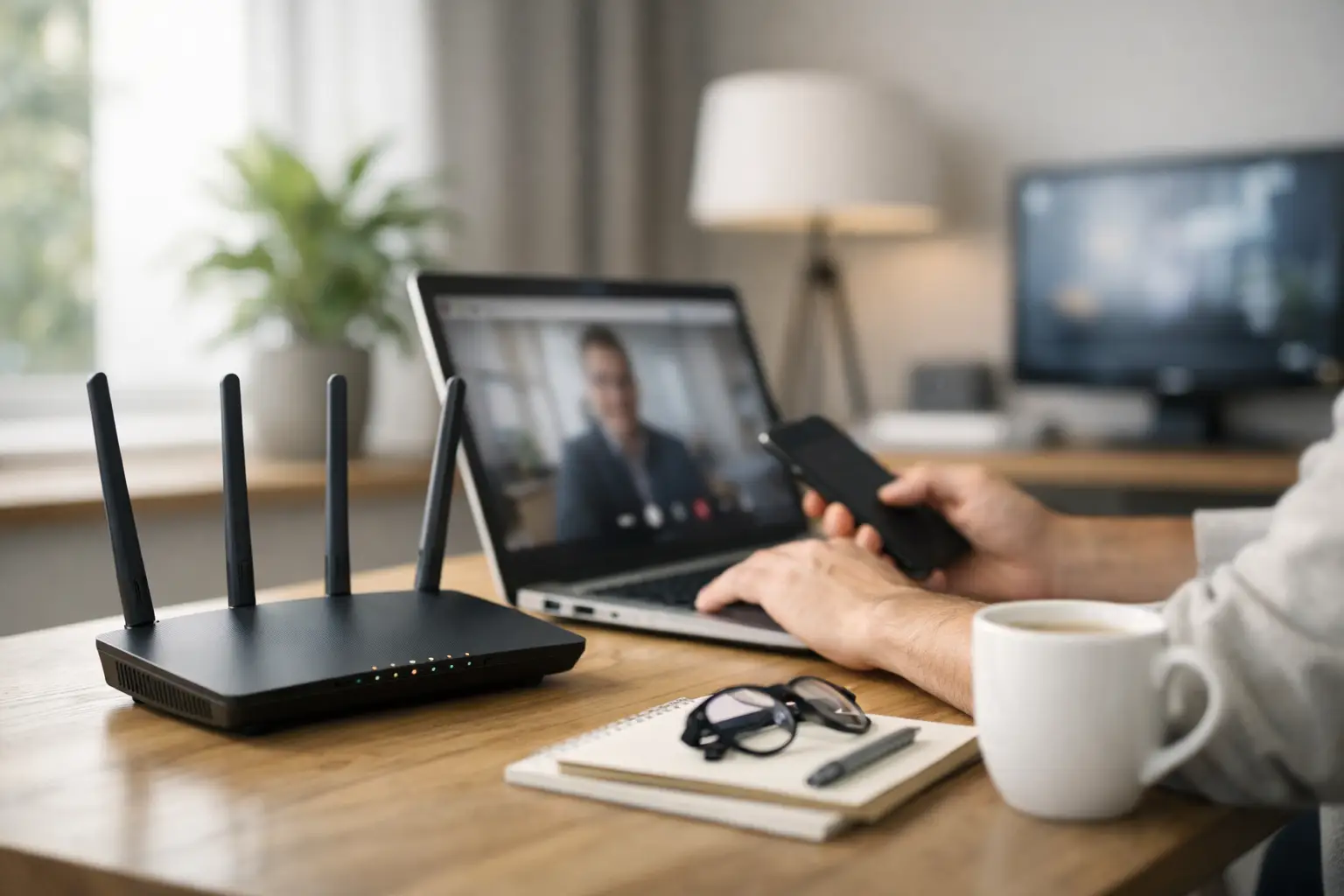
A modem placed in a far corner of the home, thick walls in between, or many devices connecting over Wi-Fi at once all weaken the connection. Especially if there's distance between the modem and the room where you hold meetings, you may experience drops and speed loss.
Ideally, you should get a strong signal in your workspace. For users with a fixed desk setup, an Ethernet connection offers a much more stable experience. If you use Wi-Fi, an up-to-date modem, dual-band support and the right channel selection make a difference. In short, good internet isn't just about the package; it's completed by the right setup.
Why is support service a deciding factor?
When you work from home, an internet outage isn't just a technical problem; it can mean direct loss of time and income. That's why access to technical support should be considered as carefully as speed when choosing a provider.
Most users only notice the quality of support when something goes wrong. At that point, long wait times, unclear processes and slow responses become serious problems. Services such as digital applications, easy online transactions, control via a mobile app and 24/7 support save users time.
This difference is even clearer for freelancers and small businesses managing their own work. When the internet goes down, it matters who you can reach and how quickly. Focusing only on promotional prices can therefore be a short-sighted approach.
The right questions to ask when choosing internet for working from home
Answering a few clear questions makes the decision easier. How many hours a day do you spend in online meetings? How many people in your home actively use the internet? Do you upload large files? How much would your work be affected if the connection dropped?
The answers will bring you closer to the right package. Choosing a package that's more than you need can strain your budget. On the other hand, choosing one that's just barely enough leads to small but exhausting disruptions every day. The best choice is the one that matches your usage habits.
Finding out what infrastructure is available at your address should also be one of your first steps, because the right decision differs between an area with fiber coverage and a location that relies mainly on VDSL. For users living in and around Kocaeli, providers like Tepenet that offer different infrastructure options can make this assessment easier.
How do you strike the right price-performance balance?
The cheapest package isn't always the best deal, and the highest speed isn't necessary for every user. The price-performance balance lies between the speed you need and the level of service you expect.
For example, for someone who works online all day, uninterrupted service and fast support can be worth more than a small price difference. On the other hand, someone with a more flexible schedule who doesn't transfer large files can work very efficiently with a mid-range package. The goal isn't to pay for speed you won't use, but to reliably get the performance you need.
Small details make a big difference
Sometimes the problem isn't an inadequate package but usage habits. Automatic backups running in the background during a meeting, a TV streaming in high resolution or phones constantly syncing can all keep the network busy. Details like these affect performance, especially on packages that are close to their limits.
Giving network priority to work devices during working hours, postponing large downloads during meetings where possible and keeping your modem firmware up to date are simple but effective steps. Even for non-technical users, these adjustments can make for a more stable workday.
Working from home offers flexibility but leaves less room for error when it comes to connectivity. A good internet experience isn't just about buying high speed; it comes from combining the right infrastructure, a suitable package, a solid home setup and fast support. If your workday starts and ends with the internet, it's smarter to look for long-term peace of mind rather than a short-term promotion when making your choice.