If someone is on a video call at home while a 4K stream is playing and the kids are gaming, or if your office relies on cloud-based files, your choice of modem directly affects your connection experience. Choosing a fiber-compatible modem isn't a purchase you should make just by looking at the high speed figure on the box. The infrastructure type, your provider's installation setup, the size of your home and the number of connected devices all need to be considered together.
The right device delivers the speed of the internet package you've purchased more evenly to every usable corner of your home or workplace. The wrong device, on the other hand, can cause problems such as weak Wi-Fi in some rooms, lag and dropped connections, even if your fiber connection itself is strong.
First, find out how your fiber connection is set up
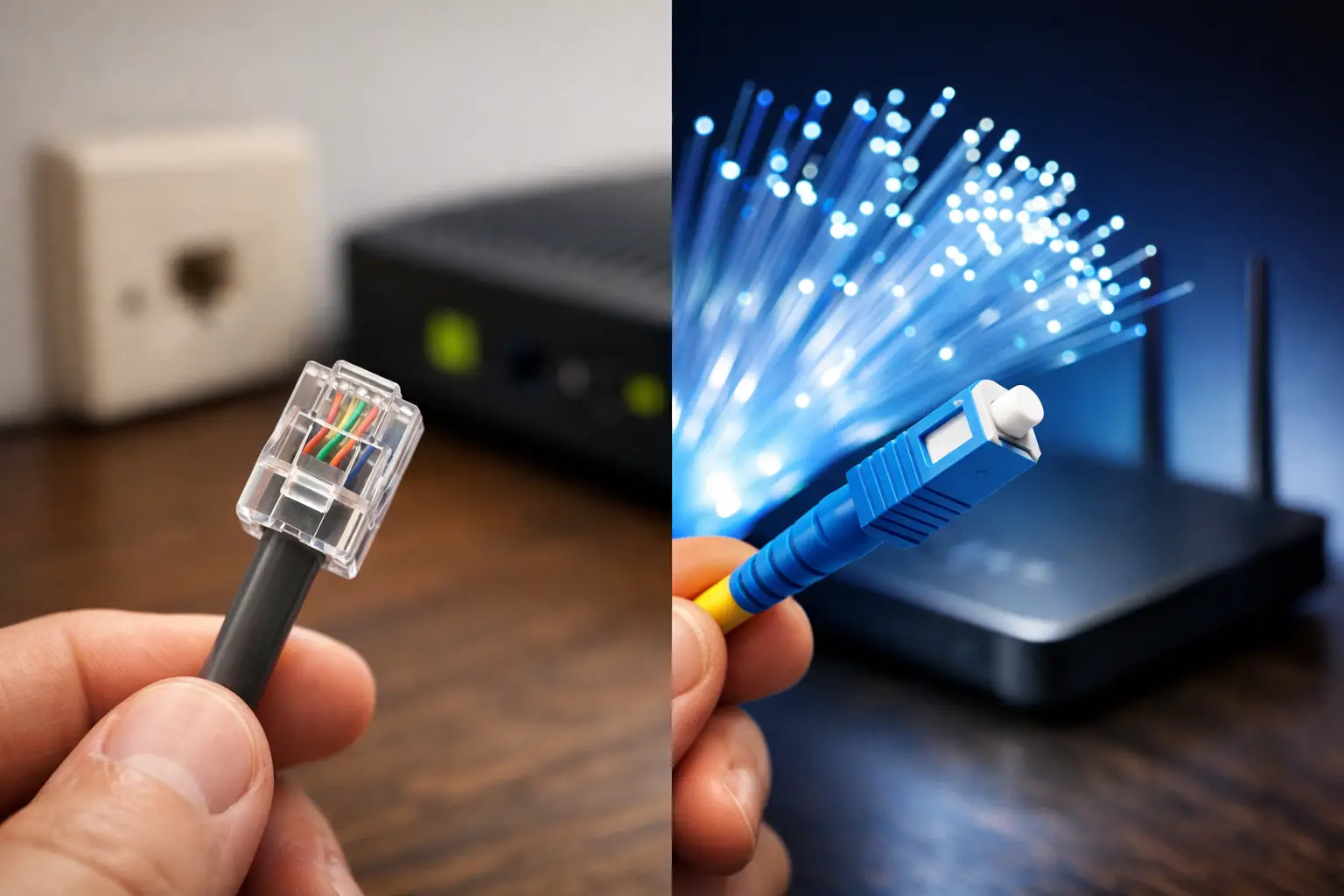
The most common source of confusion with fiber internet is assuming that the modem and the ONT are the same thing. The ONT is the device that converts the light signal in the fiber optic cable coming into your building or apartment into an internet connection. In some installations, the ONT is a separate device and the modem or router connects to it with an Ethernet cable. In other devices, the ONT and modem functions are combined in a single unit.
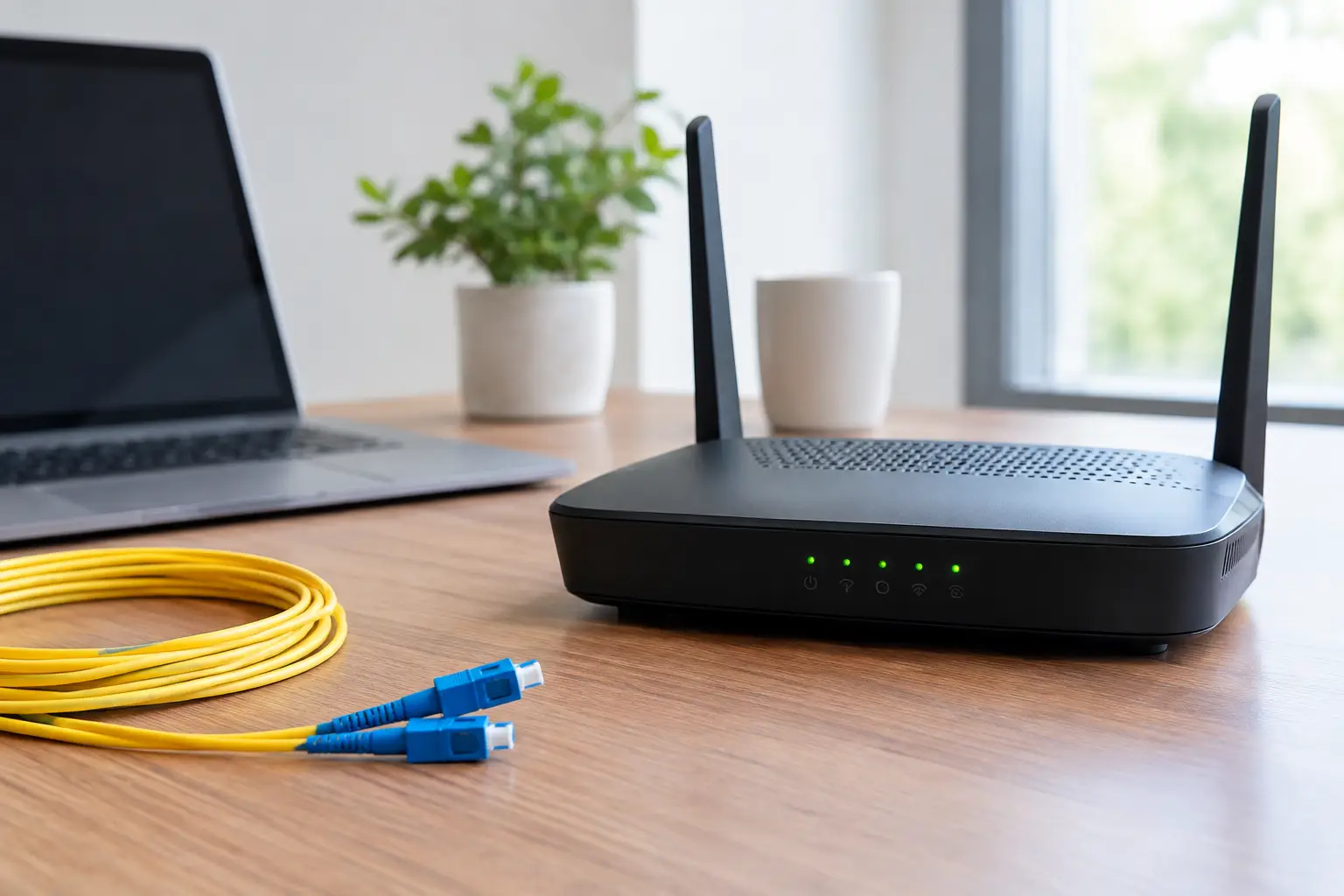
This difference changes your buying decision. If there is a separate ONT in your home or workplace, a good-quality router with a WAN port will often be enough. If the fiber cable will be connected directly to the device, you'll need a modem with an optical input that is compatible with GPON or the relevant infrastructure. Don't assume that every fiber device will work directly on every provider's infrastructure.
Before applying or scheduling installation, confirm your infrastructure type and device requirements. That way you won't overpay for features you won't use, and you won't run into compatibility issues on installation day. When getting support from a provider such as Tepenet, sharing details of your current setup and the model of the device you plan to use speeds up the process.
When choosing a fiber-compatible modem, look at capacity, not just speed
The high Mbps figures printed on modem boxes don't tell the whole story about real-world performance. These numbers usually refer to theoretical wireless speeds. In everyday use, walls, device placement, neighboring networks and simultaneous activity all affect the results.
If your internet package is 100 Mbps, a basic device that handles that speed may seem sufficient at first. But if your household uses many phones, TVs, game consoles, cameras and smart home products, the device's ability to manage multiple connections at once becomes important. Similarly, with a 500 Mbps or 1 Gbps package, a modem with an older wireless standard may not be able to deliver over Wi-Fi the speed you see in a wired test.
Gigabit WAN and LAN ports may become essential
For packages above 100 Mbps, the WAN and LAN ports need to support gigabit, or 1000 Mbps. A device with 100 Mbps ports, known as Fast Ethernet, creates a physical bottleneck for a higher-speed package. This is especially noticeable where desktop computers, game consoles, smart TVs or office equipment are connected by cable.
If you use several wired devices, also check the number of LAN ports. If there aren't enough ports, you may need an additional switch. That's not a bad solution, but it should be part of your connection plan from the start.
The difference between Wi-Fi 5, Wi-Fi 6 and Wi-Fi 6E
If you're buying a new device, Wi-Fi 6 models offer strong value for money, especially for homes with many devices and small offices. Wi-Fi 6 doesn't just mean a higher maximum speed. It helps manage the network more efficiently when many devices are connected at the same time and keeps latency more consistent.
Wi-Fi 5 can still be enough for small homes with a limited number of devices. However, for remote workers, online gamers or families with lots of smart devices, choosing Wi-Fi 6 is a more future-proof option. Wi-Fi 6E uses the 6 GHz band, but to take advantage of it, your phones, computers and other client devices also need to support Wi-Fi 6E.
Your home's floor area matters more than the number of antennas
No matter how fast your internet package is, Wi-Fi quality drops if the modem sits inside a closed cabinet, next to metal surfaces or in the farthest corner of the home. Placing the modem in a central, open and elevated spot is usually the first step toward improvement.
In a small apartment, a single good-quality modem can deliver satisfactory results. In homes with long hallways, duplex layouts, buildings with thick concrete walls or offices with multiple rooms, however, a single device may not reach every spot with the same strength. In these cases, a model with powerful antennas may help, but more antennas aren't always the answer.
Consider a mesh system for larger spaces
Mesh systems allow multiple access points to work as a single Wi-Fi network. As you move around your home, your device switches to the most suitable point more smoothly. If you have connection problems in areas far from the main modem, such as a study, a child's room or a back office, a mesh system may be a smarter investment.
If you can connect the mesh points to each other with Ethernet cables, performance will be more stable. Wireless mesh is also a practical option, but the distance between the units and the wall structure will determine the results. For a very large area, a mid-range mesh solution can provide better coverage than a single expensive modem.
Manage latency for gaming, video calls and office use
Internet experience isn't only about download speed. In online gaming, video meetings and cloud systems, latency and connection stability take center stage. That's why traffic prioritization, known as QoS, can be useful. QoS helps reduce the impact of large downloads on the network overwhelming your connection, for example during a video call.
However, how much this feature helps depends on how you use your connection. In a home used only for social media, video and everyday browsing, advanced traffic settings aren't essential. On the other hand, for small businesses with POS systems, IP cameras, remote desktop connections or frequent video meetings on the same network, a manageable device is the better choice.
Wherever possible, it's also important to connect stationary devices with an Ethernet cable. Game consoles, desktop computers, smart TVs and office computers can perform more consistently over a wired connection. Reserving Wi-Fi for phones, tablets and portable devices reduces network congestion.
Don't overlook security and software support
Your modem or router is the gateway through which every device on your network connects to the internet. So look beyond day-one speed to software updates and security features as well. Devices that receive manufacturer updates, support the WPA3 security standard and have an easy-to-understand admin panel provide safer use.
Always change the default admin password. Creating a separate Wi-Fi network for guests helps limit visitors' devices from accessing computers, printers or smart home products on your main network. For businesses, separating staff and guest networks is beneficial for both security and connection quality.
If you don't use the remote management feature, keep it turned off. Keeping up with modem firmware updates is also one of the most practical security steps you can take throughout the device's lifetime.
Buy your own or use the provider's device?
This decision depends on your budget, technical comfort level and expectations. A device supplied by your service provider can make installation and support easier. Because the device's compatibility with the infrastructure is known, troubleshooting can move faster. This is a practical option for users who don't want to deal with technical settings.
Buying your own device, on the other hand, gives you more control over Wi-Fi coverage, port count, security settings and advanced network management. It's especially advantageous for large homes, small offices with heavy connection needs or users who want to switch to a mesh system. Even so, you should evaluate the device's compatibility with the infrastructure, the warranty process and responsibility for installation from the outset.
You don't need the most expensive device to get real value from your fiber connection. A modem that suits your infrastructure, doesn't limit your speed package and is placed correctly for your space delivers a more stable connection you'll notice every day. Before deciding, note down how many devices you have, the layout of your home or office and your need for wired connections; the right choice becomes clear from these three details.