A frozen screen in a meeting, a show that keeps buffering in the evening, or a payment screen that takes too long to load at the checkout usually leads to the same question: why does internet speed drop? The answer isn't always your package speed. Many factors can affect your connection experience, from your home wireless network to your building's infrastructure, and from the number of connected devices to congestion in your area.
To find the right fix, you first need to pinpoint where the slowdown starts. If you're getting low speeds even close to the modem, the problem may lie somewhere other than Wi-Fi coverage. On the other hand, if your wired connection is fast but Wi-Fi is weak between rooms, improving your home network setup will work better than switching packages.
Why does internet speed drop? Start by locating the problem
Don't judge a speed drop based on a single measurement. Run tests at different times of day and, if possible, connect your computer to the modem with an Ethernet cable. A wired test largely removes the effect of the wireless signal, helping you understand your line's real performance.
During testing, upload speed and latency matter as much as download speed. Delayed speech in online meetings, lagging commands in games, or slow file uploads to the cloud are usually tied to latency and upload issues. This distinction is especially important for small businesses where POS devices, cloud-based accounting software and security cameras share the same connection.
1. The Wi-Fi signal may be weak or suffering from interference
Your modem may be receiving the internet fine, but the Wi-Fi signal doesn't reach every corner of your home or workplace with equal strength. Thick concrete walls, metal surfaces, multi-storey layouts and a modem tucked inside a closed cabinet all shrink coverage. In areas packed with electronics, such as the kitchen, interference can also affect the connection.
Instead of placing the modem near the floor, in a corner or behind the TV unit, put it in a central, open and preferably elevated spot. In large homes, a single modem may not deliver an even signal to every room. In that case, a mesh system, an access point or a well-placed signal extender can be a more balanced solution. Keep in mind, though, that extenders can reduce speed; a wired access point usually delivers more stable results.
2. Too many devices may be sharing the connection at once
Your internet package provides shared capacity for all the devices in your home or office, not just one. One person streaming in 4K while another downloads a game, security cameras uploading footage to the cloud and phones running automatic updates can quickly saturate the line.
This becomes especially noticeable in the evening when families are home. In businesses, slowdowns can occur during busy hours if guest Wi-Fi, staff devices and operational systems all use the same connection. Disconnecting unused devices, scheduling large downloads overnight and setting up a separate network for guests make traffic easier to manage.
3. Background apps may be eating up your bandwidth
Sometimes slowness comes from usage you can't see. Operating system updates, gaming platforms, cloud backup software and photo syncing on phones can keep consuming data. Heavy upload activity in particular can cause audio dropouts or blurry video during video calls.
Check which devices are using how much traffic through your computer's task manager or your modem's interface. If you spot a device you don't recognise, change your Wi-Fi password and create a strong, hard-to-guess one. If your modem firmware supports it, prioritising certain devices can also help with meetings and work applications.
4. The issue may be caused by the modem, cables or devices
Modems that run for long periods without a restart can develop temporary performance issues. A simple power cycle re-establishes the connection and can resolve some problems. But if you find yourself doing this constantly, it's time to look for the underlying cause.
Worn Ethernet cables, loose DSL connections or devices using older Wi-Fi standards can also limit your speed. For example, even with a next-generation internet package, the wireless hardware in an older phone or computer may not be able to reach the same speed. That's why it matters that your modem supports current technologies, the right frequency band is selected and your cables are in good condition.
The 2.4 GHz band can offer wider coverage but is more affected when there are many networks nearby. The 5 GHz band can deliver higher speeds and less interference close to the modem, but it doesn't pass through walls as well. The best choice depends on how far the device is and the physical layout of your home.
5. Network usage may spike during peak hours
Some slowdowns only happen at certain times. Increased traffic from video streaming, gaming and remote work in the evenings can affect the connection, especially in areas with shared infrastructure. If the same problem occurs more often at weekends or in certain neighbourhoods, time and location details are valuable for a technical investigation.
It helps to note down your speed test results: the time of the test, whether it was wired or wireless and how many devices were connected all speed up the troubleshooting process. Drops that repeat at similar times over several days should be treated differently from a temporary device issue.
6. Infrastructure type and building wiring can be decisive
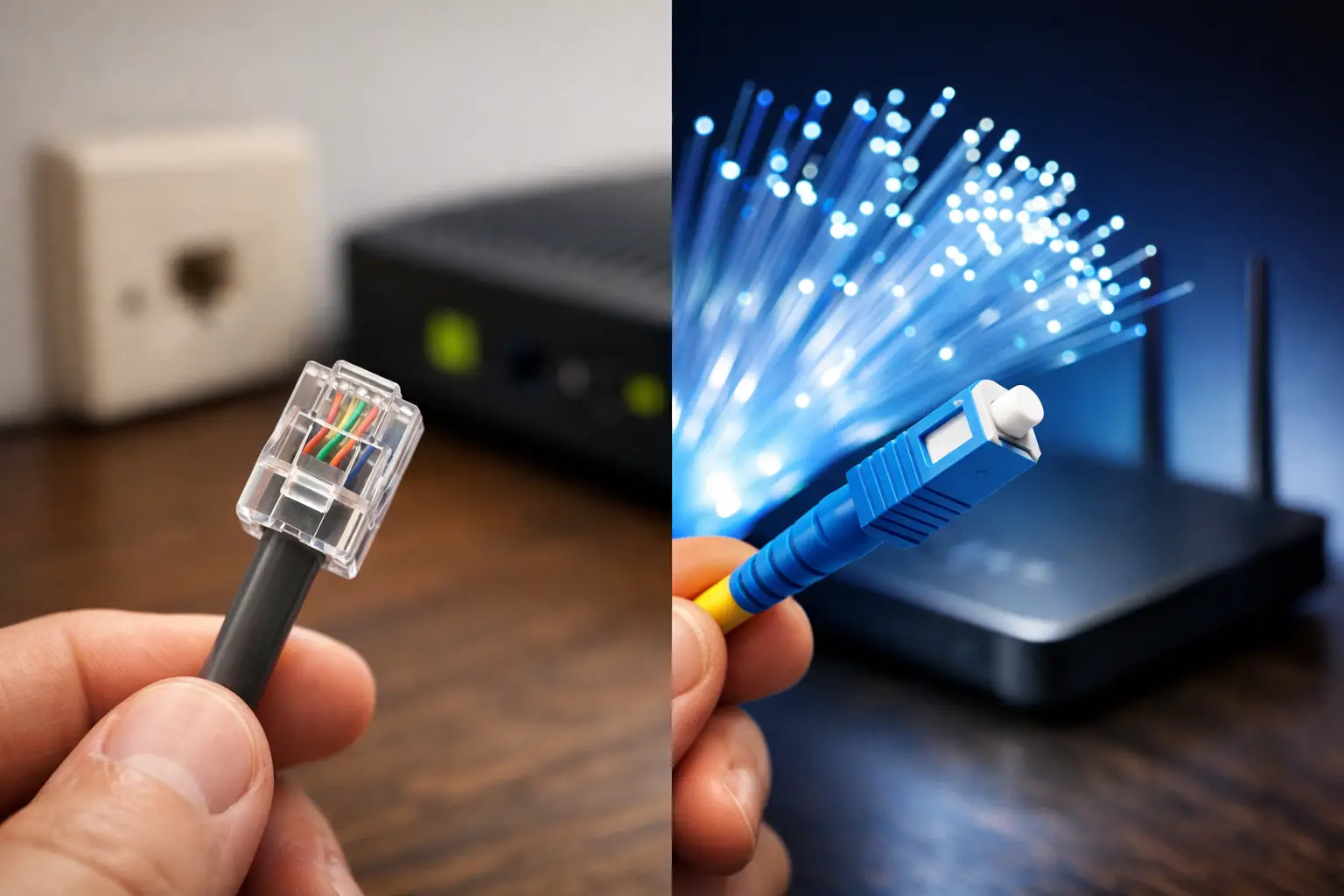
Fiber, VDSL and wireless internet operate under different conditions. Fiber connections stand out for their high capacity and low latency potential, while with VDSL the distance between the building and the street cabinet, as well as the quality of indoor wiring, can affect speed more directly. With wireless internet solutions, line of sight, weather and local coverage conditions can play a role.
That's why looking only at the theoretical package speed isn't enough. The infrastructure at your address, your building's wiring and your usage habits should all be considered together. A household with two people regularly working from home doesn't have the same needs as one that mainly uses email and social media. Likewise, for an office using cloud applications, upload capacity matters as much as download speed.
7. DNS, VPN or security software can add latency
Sometimes pages load slowly even though the speed test looks normal. This can be caused by DNS settings, an active VPN connection, browser extensions or security software. For employees using a corporate VPN in particular, it may feel like the entire internet has slowed down, while the bottleneck is actually the company's remote server or VPN policy.
To check, try temporarily disabling the VPN and reloading a trusted website. If there's a clear difference, look into the service or application rather than the modem. In businesses, it's safer to work with an authorised person than to randomly disable security settings.
A practical checklist for when your speed drops
To get to the bottom of the problem quickly, follow these steps:
- Turn off the modem, wait about 30 seconds and restart it.
- Run wired and wireless speed tests close to the modem and compare the results.
- Temporarily pause devices that are downloading, backing up or streaming.
- Move the modem to an open, central location; if possible, try the 2.4 GHz and 5 GHz networks separately.
- If the problem persists, note the test times, any warning lights and your observations, and share them with technical support.
If speeds are also low on a wired connection, if the DSL or internet light on the modem shows something unusual, or if the connection drops frequently, don't waste time on user-side settings. Contacting technical support is the fastest route. When opening a support request, Tepenet subscribers can help make the investigation more targeted by sharing the time range of the issue and the tests they've run.
Your internet experience isn't just about the speed listed on your package; it makes a real difference when the right infrastructure, the right equipment and the right home network setup work together. If your connection isn't meeting your needs, measure first, isolate the source of the problem and, if needed, get help choosing the best solution for your address.