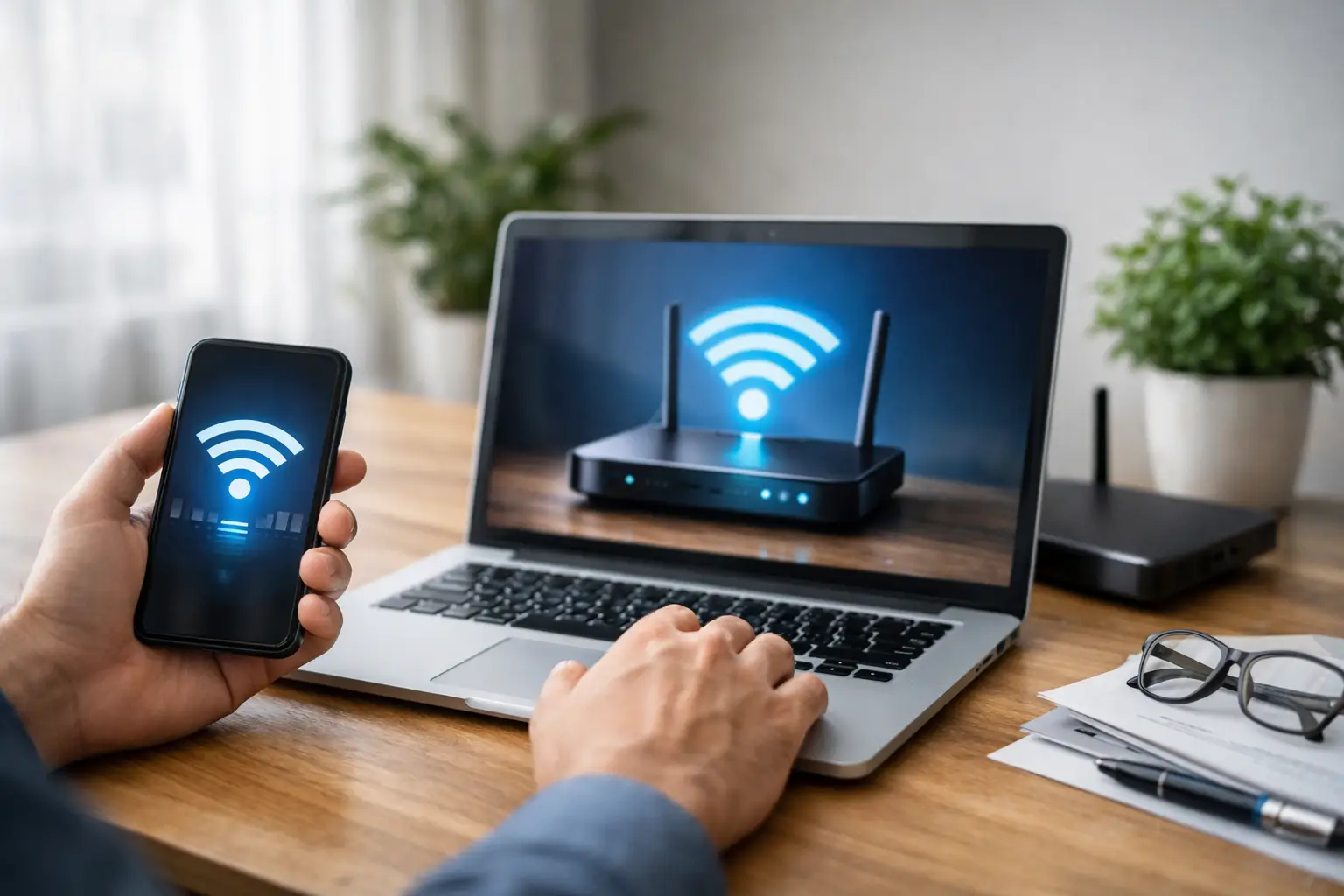
When your home internet goes down, or when you have just moved to a new address and a fixed line has not been set up yet, the first question that usually comes to mind is the same: can you use wireless internet without a modem? The short answer is yes. However, speed, data allowance, latency and equipment needs vary depending on the type of connection you choose. The key distinction here is that the wireless network itself and the infrastructure that provides internet access are not the same thing.
Connecting your computer to the internet through your phone's Wi-Fi hotspot is easy. But this method is not always the right solution for a household with frequent video calls, users who play online games, or small businesses that work on cloud systems all day. Clarifying your needs helps you avoid unnecessary equipment costs and connection problems.
What Does Wireless Internet Without a Modem Mean?
In everyday use, "modem" is a general name for any device that brings internet into the home. Technically, however, a modem is the device that converts the signal from the service provider into an internet connection. A router then distributes that connection to phones, computers, TVs and other devices over Wi-Fi.
For this reason, internet with no device at all is not possible. When people say "without a modem," they usually mean connecting without the traditional home modem used for VDSL or fiber. Behind this kind of connection there is still hardware providing internet access, whether in your phone, a SIM card device or an outdoor receiver.
For example, your mobile phone connects to the cellular network and creates its own Wi-Fi network. You don't see a separate desktop modem, but inside the phone there is a modem component that manages the mobile internet connection. The same applies to portable internet devices that work with a SIM card.
Options for Getting Online Without a Traditional Modem
Depending on your needs, three practical methods stand out: a mobile hotspot, a SIM card internet device and fixed wireless internet. Each option suits a different use case.
Sharing Your Phone's Internet as Wi-Fi
The personal hotspot feature on your phone lets you share your mobile data with other devices. Since it requires no setup, it is the quickest way to get started. It is very handy when you need to join an urgent meeting, during short home internet outages or while traveling.
That said, phone tethering has some limits for continuous use. The phone's battery drains quickly, the device may heat up and your mobile data allowance may run out sooner than expected. In addition, the signal strength where your phone is located directly affects your computer's connection quality. If you are working from a fixed spot, placing the phone near a window or in a location with good reception can make a difference.
Using a SIM Card Portable Modem or 4.5G Router
SIM card portable devices turn your mobile line into a Wi-Fi network. If you don't want to keep using your phone for this, they are a more controlled alternative. Some devices are battery-powered and can be carried with you, while others plug into an outlet and are designed for fixed use at home or in the office.
With these solutions, the device's technical specifications matter. The number of devices that can connect at once, the supported mobile network standard, Wi-Fi coverage and antenna quality all affect performance. If a small office will have several employees, a POS terminal and a guest network, this type of device will deliver more consistent results than phone tethering.
Still, with mobile network-based connections, data allowances and regional coverage should be evaluated carefully. Many devices streaming video, backing up cameras or downloading large files will speed up mobile data consumption. Evaluate package prices not only by the monthly fee but also by cost per GB and your usage habits.
Using Fixed Wireless Internet
Fixed wireless internet can be a strong alternative, especially in areas where wired infrastructure is limited. In this model, a connection is established between the service provider's wireless access point and your address. A receiver installed on the building or its exterior passes the signal to the indoor network.
Because it can provide internet access without waiting for a phone line or fiber cable, this solution is valuable in newly developed areas, detached houses and certain business locations. However, availability depends on whether your address is within the coverage area, line-of-sight conditions and installation suitability. Even two buildings on the same street can get different results.
When installed correctly, fixed wireless internet can offer a more stable experience than phone tethering. Still, factors such as weather conditions, physical obstacles and wireless congestion in the area can affect performance. That is why an address check before applying is necessary.
Does Wi-Fi Provide Internet on Its Own?
Wi-Fi is not the internet itself; it is a method for devices to connect to each other over a local network. You may have a router or access point running at home, but if that device has no connection to the outside world, your phone won't be able to access the internet even if it shows the Wi-Fi icon.
This distinction is especially important for users considering their existing devices. An old router cannot pick up and distribute mobile internet on its own. It can connect to a phone's hotspot or, with the right setup, extend coverage, but there must always be a source for internet access. That source can be a mobile line, fiber, VDSL, fixed wireless access or another internet service.
Mesh Wi-Fi systems work in a similar way. If you have weak signal in some rooms because your home is large, mesh devices can improve wireless coverage. However, if your existing internet connection is slow, a mesh system won't make it faster. Infrastructure and package choice should be evaluated first, followed by in-home distribution.
Which Option Is Right for You?
The right choice depends on how long and for what purpose you will use the connection. For temporary needs lasting a few days, sharing your phone's internet may be enough. For users who work from home regularly, have frequent video meetings or need a portable connection, a SIM card device makes more sense.
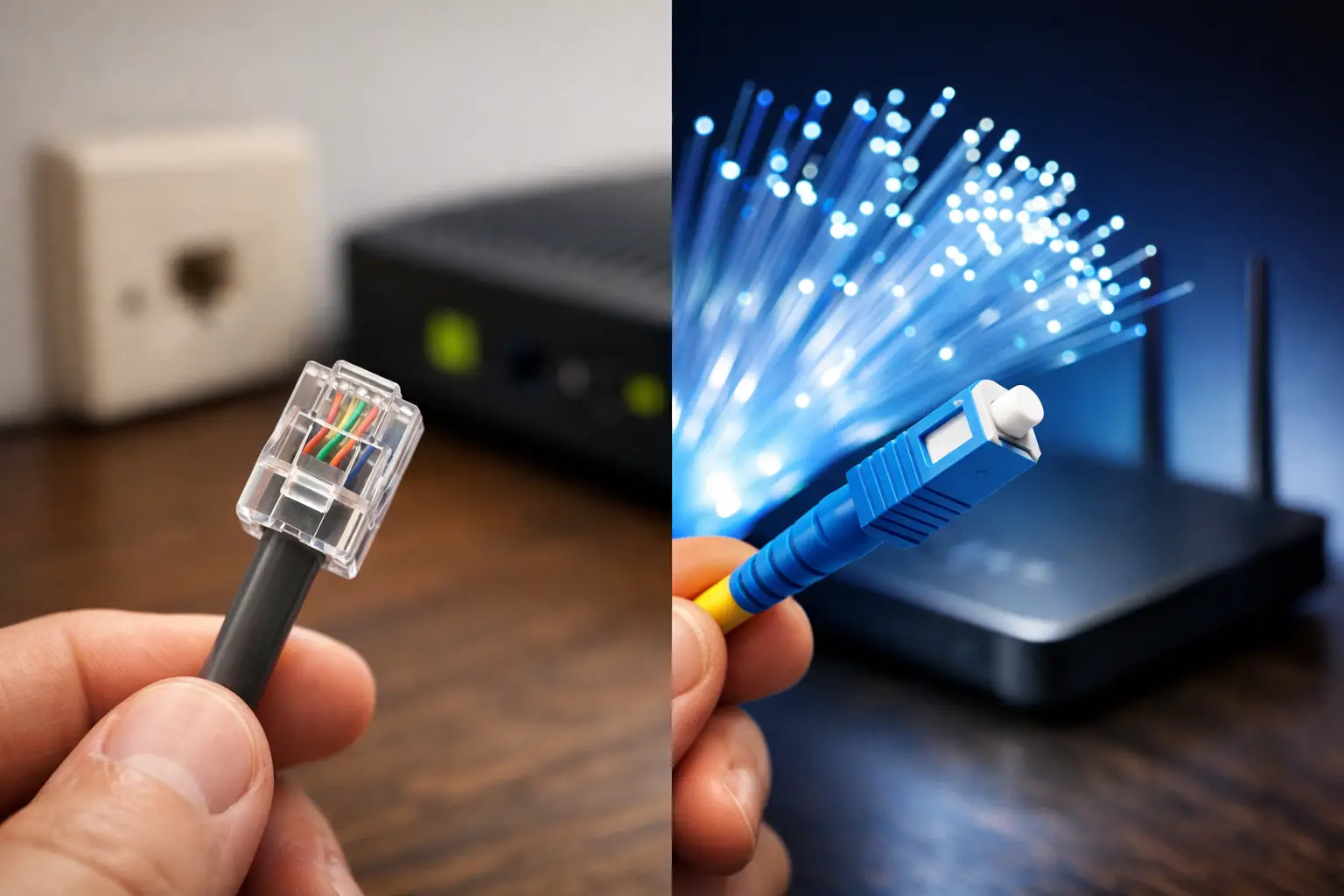
If you need continuous internet at home or at work, your priority should be finding out what fixed infrastructure is available at your address. When fiber and VDSL options are available, they generally provide a more predictable experience over the long term. In places where wired infrastructure is unavailable or doesn't perform well enough, fixed wireless options should be considered.
Before deciding, clarify these four points:
- How many devices will connect at the same time, and what will they be doing?
- How much monthly data might you use for video, gaming and file backups?
- Is the connection temporary, or will it be the main internet for your home or business?
- What is the quality of mobile network and fixed wireless coverage at your address?
Your answers to these questions will steer you not just toward a package that promises high speeds, but toward a connection that truly fits your usage.
Why Should Speed, Latency and Data Allowance Be Considered Together?
Looking only at download speed is not enough when choosing internet. Upload speed also matters for video calls, live streaming and sending files. For online gaming and remote access applications, latency is the deciding factor. Mobile connections can vary at different times of day depending on network congestion in your area.
Data allowance becomes especially important with mobile solutions used without a modem. A few hours of high-resolution video, system updates or cloud backups can quickly use up your package. For businesses, this creates both cost and operational disruption risks. If you plan to use mobile internet as your main connection, plan your data limits, overage terms and usage monitoring from the start.
Set Up a Secure and Well-Organized Wireless Network
Using phone tethering or a SIM card router doesn't mean network security should take a back seat. Set a strong, hard-to-guess password for your Wi-Fi network. Change the device's default admin password and check for software updates regularly.
In workplaces, separating the network used by employees from the guest network is good practice. This way, visitors' devices don't have direct access to printers or internal systems on the same local network. If possible, disable remote access to the router's admin panel; if you need it, use only trusted methods.
When speaking with a provider like Tepenet, which offers options for different infrastructures and usage needs, share not only your speed expectations but also your address, number of devices and working patterns. This information helps identify the right solution for you more quickly.
Think of your connection choice not as a device preference, but as a decision that supports your daily life and workflow. The right solution isn't the one with the most features; it's the one that provides the continuity, speed and control you need at your address.