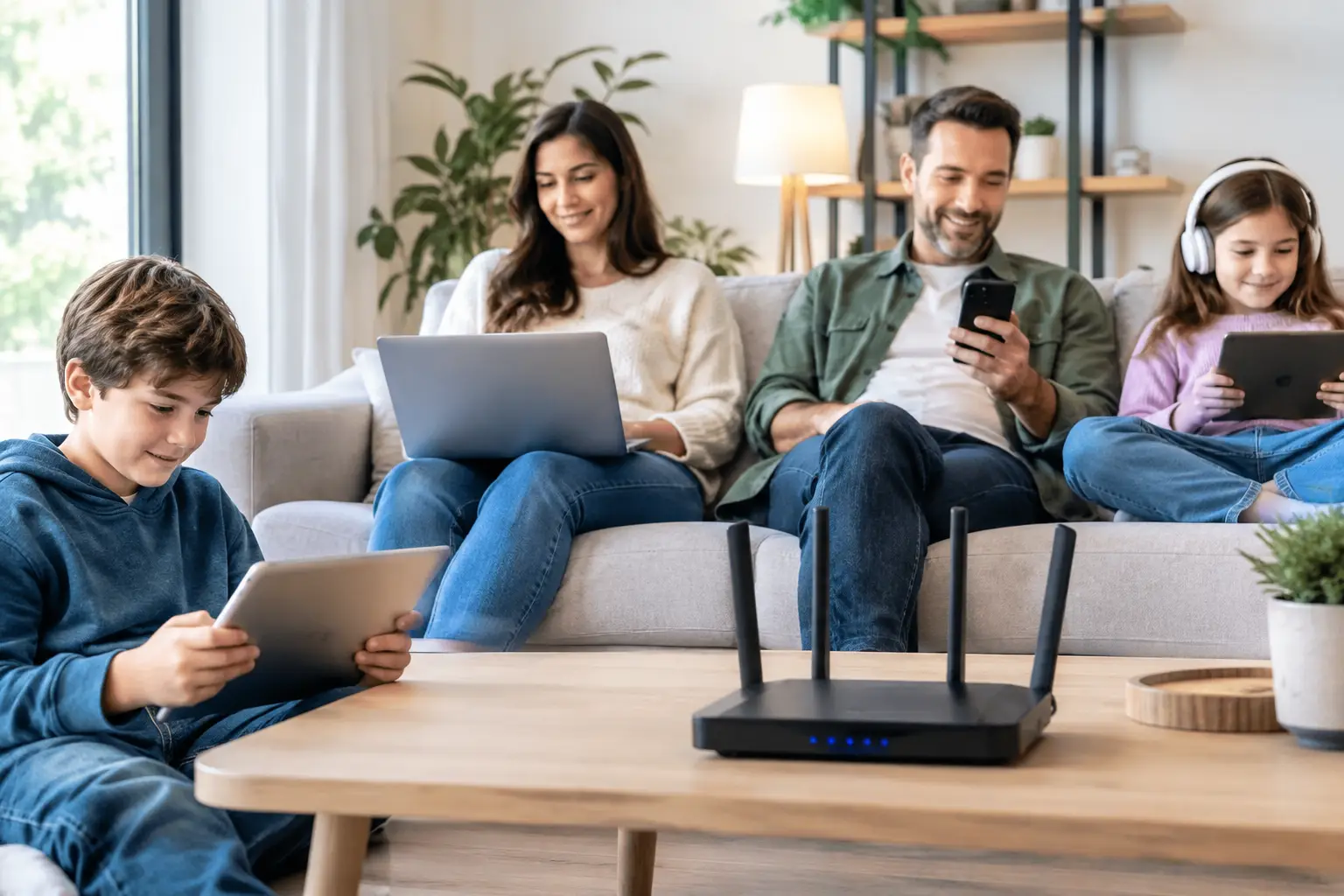
If one person at home is on a video call, a child is watching an online lesson and someone else is streaming a 4K series at the same time, it's no surprise when the internet slows down. When choosing home internet for many devices, you need to look beyond the Mbps figure on the package and consider the connection type, modem capacity, wireless coverage and usage habits together.
What shapes the internet experience in a home is less the number of devices and more what those devices are doing at the same time. When phones scroll social media, the smart TV streams in high resolution, the computer runs a cloud backup and the game console downloads an update all at once, the load on the connection rises quickly. Good planning lets you choose an infrastructure and package that suit your home's needs, rather than having everyone fight over a share of the connection.
Why is multi-device home internet different?
A single person's basic internet use and a family of four's needs are not the same. When several devices are online, demand for speed increases, but the really critical factors are latency, wireless signal quality and the network's ability to manage traffic. That's why focusing only on the highest download speed doesn't always lead to the best result.
For example, even when smartphones seem idle, they may use data for app updates, photo backups and notification services. Connected devices such as smart speakers, security cameras, robot vacuums and TVs also join the network. As the number of devices in a home grows, the modem's ability to handle many simultaneous connections reliably becomes more important.
For remote workers, upload speed matters too. Delayed audio in video meetings, slow file uploads or a freezing camera often can't be explained by download speed alone. Sufficient upload capacity and a stable connection are essential for keeping work running smoothly.
Determine your speed needs based on how you use the internet
There's no single answer to the question "How many Mbps is enough?" when choosing a package. The number of people at home, how devices are used and the likelihood of heavy simultaneous use all affect the decision. A home that only uses messaging, social media and web browsing may not get the same value from a package as a home with online gaming, live streaming and remote work.
In households where two or three people do basic browsing and occasionally stream in high resolution, mid-range speeds may be enough. However, if multiple 4K streams, online meetings, large file transfers or game downloads happen at the same time, a higher speed is the better choice. In particular, base your decision on peak usage in the evening, when the whole family is home.
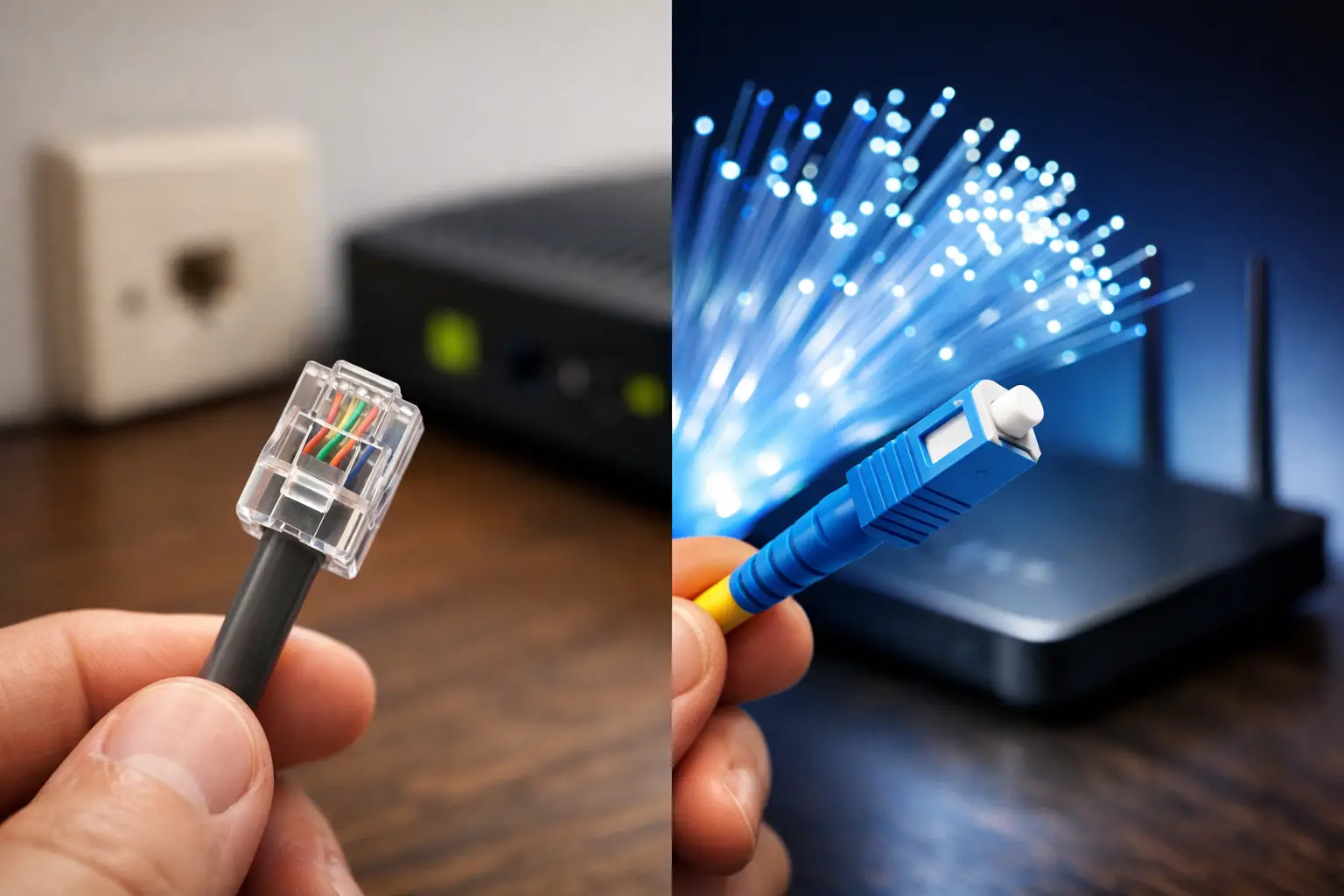
Choosing a package far below your needs is a mistake, but so is going for much more speed than you need. Weighing the options your infrastructure supports, your household's real usage habits and your budget together gives a more balanced result. At addresses with fiber infrastructure, high speeds and low latency stand out as key advantages. In areas without fiber, suitable VDSL or wireless internet solutions can be a good alternative, depending on local infrastructure.
Download speed alone isn't enough
Download speed directly affects watching films, installing apps and receiving files. But for video calls, uploading files to the cloud, live streaming and remotely viewing security camera footage, upload speed also comes into play. If you work from home or create digital content, check the upload figure separately in the package details.
Latency also makes a noticeable difference in online gaming and video calls. When latency is high, even on a fast package, game commands may register late or people in a meeting may talk over each other. A stable infrastructure and a well-placed modem are key to improving this experience.
Your modem and Wi-Fi coverage determine your real speed at home
Even with a strong internet package, if the modem can't deliver enough signal to distant rooms, users won't see the promised speed. Wi-Fi coverage needs careful planning, especially in homes with thick walls, long hallways or multiple floors. Putting the modem in a closed cabinet by the front door may seem convenient, but it can significantly reduce wireless performance.
Placing the modem in a central, open and elevated spot is a good start. Metal surfaces, mirrors, large appliances and multiple walls can weaken the signal. Microwave ovens or some wireless devices near the modem can also cause interference, especially on the 2.4 GHz band.
Newer modems offer both 2.4 GHz and 5 GHz wireless networks. 2.4 GHz can provide wider coverage but may be more affected by nearby networks. 5 GHz delivers higher performance at close range, though its range may drop through walls. For a TV, computer and game console in the same room, 5 GHz can be the better option. For smart home devices in distant rooms, 2.4 GHz may work better.
In large homes, a single modem may not be enough. In that case, you can consider a range extender, an access point or a mesh Wi-Fi system. Range extenders can be a budget-friendly solution, but they can cause performance loss if poorly placed. Mesh systems can provide more consistent coverage, though they require additional hardware costs. Your home's size, number of floors and how you use each space should guide your decision.
Prioritizing traffic reduces everyday problems
In multi-device homes, it's natural for everyone to expect high performance at the same time. But if someone joins a meeting while a large game download is running, the connection can be strained. If your modem has traffic prioritization or QoS, you can give priority to latency-sensitive applications such as video calls and gaming.
It also helps to keep an eye on background updates and automatic backups. When computers, game consoles and phones start downloading updates at the same time, the network gets unnecessarily congested. Scheduling large downloads for nighttime or adjusting devices' automatic update settings makes everyday use smoother.
For devices used in a fixed location, such as a desktop computer, smart TV or game console, use an Ethernet cable whenever possible. A wired connection isn't affected by Wi-Fi signal fluctuations and offers a more stable experience. This is especially worthwhile for competitive gamers, people working with large files and anyone who wants uninterrupted streaming.
Is the problem your package or your home network? Find out first
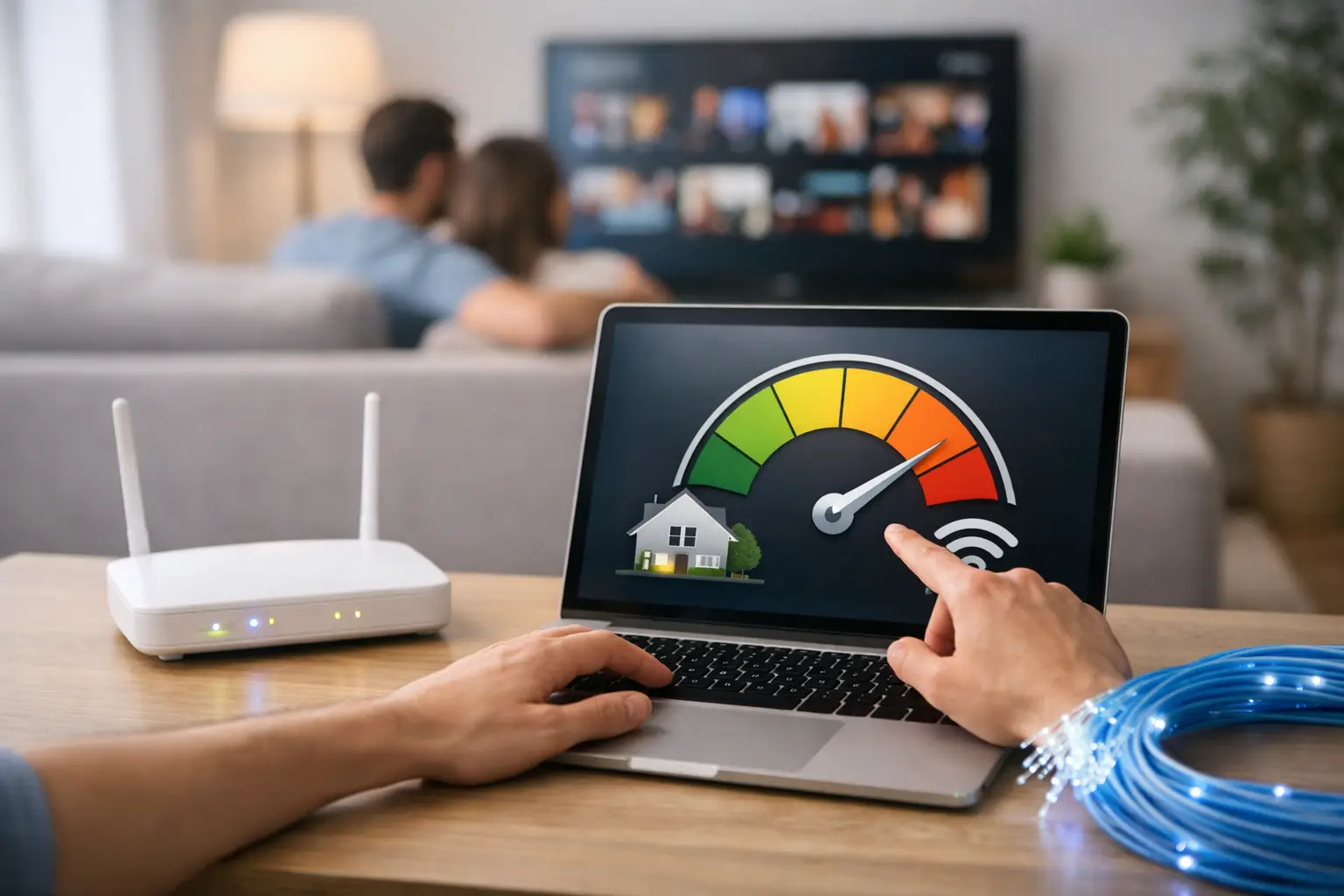
When things slow down, it may be wrong to assume straight away that your package speed is too low. First, run a speed test close to the modem, ideally over a wired connection. If the wired result is good but the wireless result in a distant room is low, the problem is most likely Wi-Fi coverage.
If the connection is slow on all devices, turning the modem off and restarting it after a short while is a simple but effective first step. If problems persist, check the cable connections, modem firmware and the devices' distance from the network. Noting changes during peak hours also helps technical support understand the issue more quickly.
Being able to manage your internet service through digital channels saves time here. Tepenet's online services and customer support options make it easier to get a quick response, whether you want to view package details, track your application status or create a support request.
Choose your home internet with future use in mind
Today you may have a few phones and a TV at home, but a new remote work setup, game console, security camera or smart home device can quickly change your needs. That's why it pays to choose your internet not only for today's usage, but also with devices you may add in the near future in mind.
Check the infrastructure at your address, identify your peak usage hours and assess whether your modem covers your entire home. When the right infrastructure, sufficient speed and well-planned Wi-Fi coverage come together, who's doing what at home stops being a point of contention, and your connection becomes a quietly working part of daily life.