
When a video meeting freezes while you work from home, streams cut out in the evening, or your business's POS connection slows down, choosing an internet service stops being something you can put off. The digital subscription steps help you manage the process, from picking the right package to completing the installation, in a more controlled and faster way. However, an easy application doesn't mean choices can be made at random. Infrastructure, usage habits, contract terms and support needs should all be considered together.
Why are the digital subscription steps important?
A good internet subscription experience doesn't start with the promise of high speed alone. What the infrastructure at your address offers, how well the package you choose fits your actual usage, and when the installation will take place all directly affect the outcome. Using digital channels helps you see this information more clearly during the application, complete the necessary approvals on time and track the status of your application.
Especially for people with busy schedules and small businesses, lost time is a significant cost. Digital processes reduce the need to visit a branch, carry paperwork or repeatedly ask for information through different channels, making every stage of the application more visible. Still, a small mistake in basic details such as your address or contact information can delay the installation plan. That's why accurate information matters as much as speed.
1. First, check the infrastructure at your address
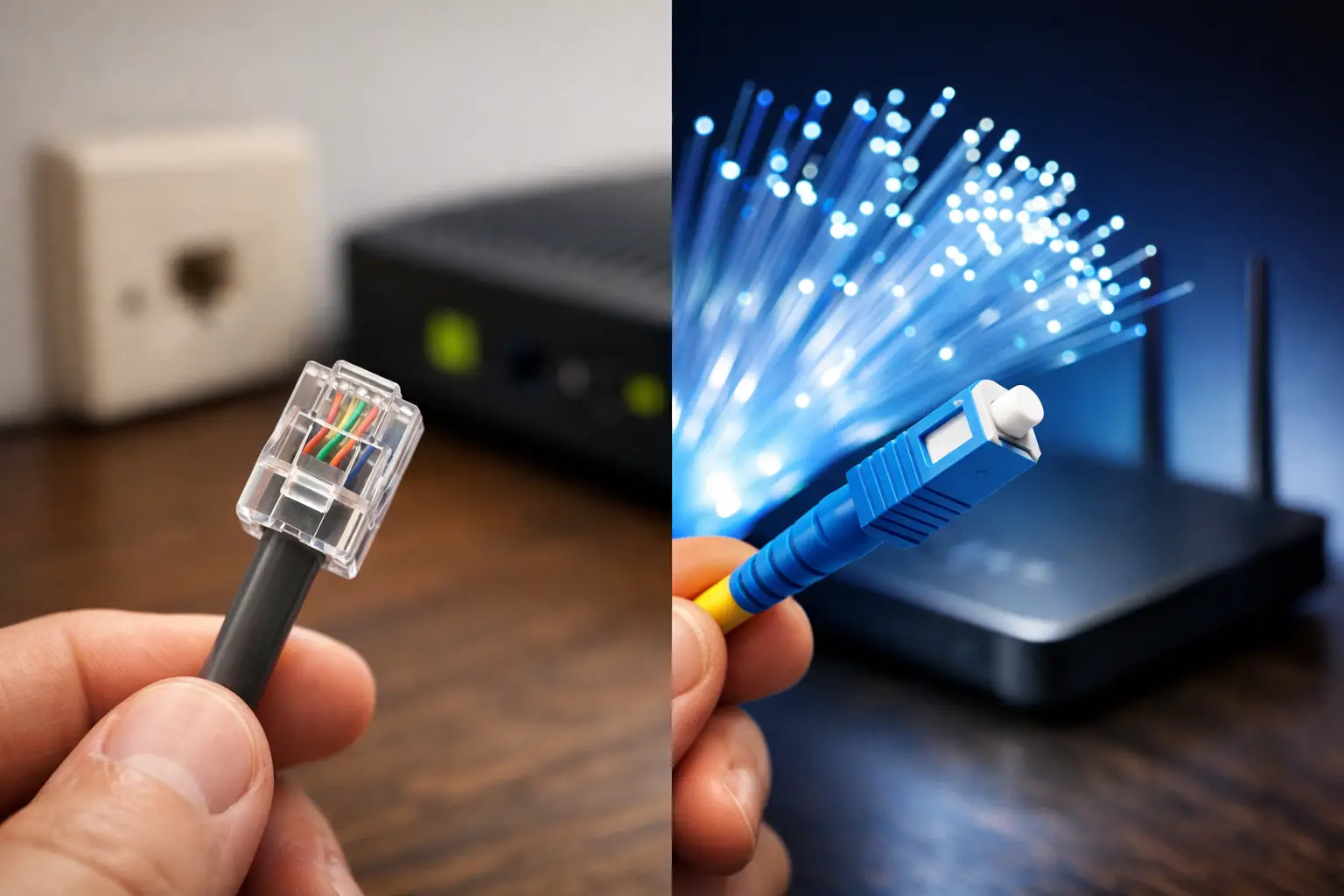
The first step of the application is to check the infrastructure at the address where the service will be provided. Fiber, VDSL or wireless internet options may not be available in the same way in every area. The infrastructure result determines the speed range you can reach, the connection technology and, in some cases, the installation method.
Fiber infrastructure can be a strong option for homes and businesses with high data needs. It offers a more comfortable experience in places where several people hold meetings, play online games, watch high-resolution content or use cloud systems at the same time. VDSL, on the other hand, can be a balanced choice for everyday use, remote work and standard office needs at addresses with suitable infrastructure. Wireless solutions should also be considered where physical infrastructure options are limited.
No single technology is the best answer for everyone. The needs of a household with four heavy users differ from those of a business that handles email, accounting software and POS transactions during the day. Once you see the infrastructure result, it's best to choose a package based on your usage scenario.
Enter your address details in full
Neighborhood, street, building number, apartment or business unit details affect the accuracy of the infrastructure check. In new buildings, block, entrance or unit details may also be needed. If your address doesn't appear in the system as expected, asking the support team rather than guessing will prevent an incorrect application.
2. Buy for how you use the internet, not just for speed
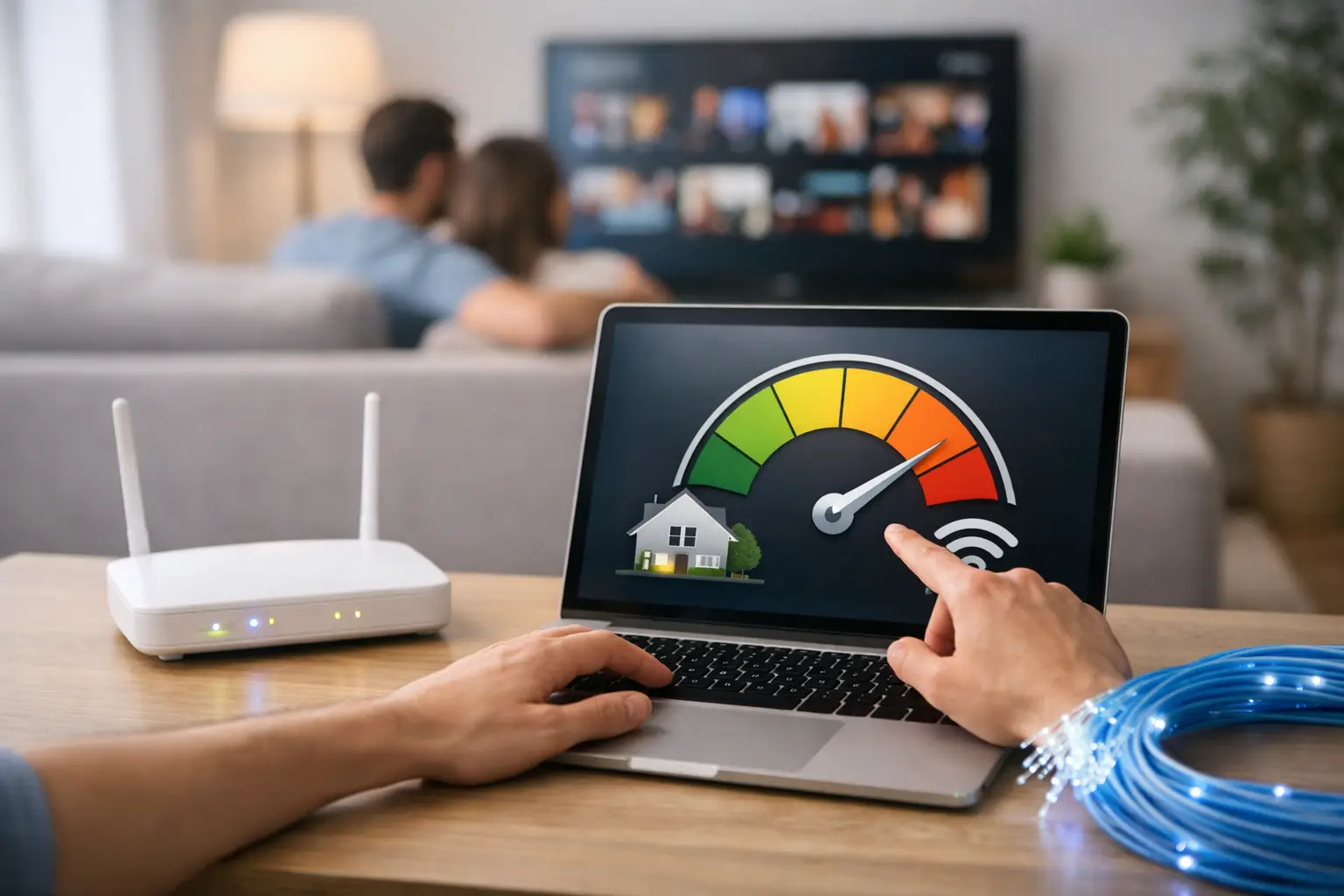
Focusing only on download speed when comparing packages is a common mistake. Home users should consider the number of devices connected at the same time, how often they have online meetings, gaming, streaming and smart home devices. For businesses, connection continuity, number of employees, cloud-based applications and customer-facing systems are more decisive.
For example, a two-person household that mainly uses social media and streaming platforms doesn't have the same needs as an architecture office that shares files all day. Choosing a higher speed isn't always the most efficient solution, while settling for a package that's too low can make the connection experience frustrating. The right price-performance balance comes from a package that fits your actual usage.
Review the commitment period, monthly fee, any campaign terms, installation fee and modem options together in the package details. If you plan to move or your needs change in the short term, no-contract or prepaid options can offer more flexibility. On the other hand, users who will stay at the same address for a long time can take advantage of the cost benefits of contract campaigns.
3. Prepare your application information
Having your information ready speeds up the digital application considerably. You will usually need your identity and contact details, the service address, and a suitable day and time for installation. The applicant's relationship to the service address may also be verified depending on the selected service or process.
Carefully check your phone number and email address on the application screen. Approval notifications, installation scheduling and application updates may be shared through these channels. For business applications, it's also important that the authorized person's details and company title are up to date. An incorrect or outdated phone number can make it difficult for the technical team to reach you.
Although the required documents may vary by service type and customer status, it helps to have the following ready before applying:
- Turkish ID number or current details of the business's authorized representative
- Full service address and, if applicable, building, block and apartment details
- An active mobile phone number and email address
- The days and time slots when you're available for installation
This preparation does more than help you fill in the form faster. It also reduces the chance of problems such as rescheduling the installation, missing approvals or being directed to the wrong address.
4. Complete the e-Government approval without delay
In electronic communication services, digital identity verification and contract approval are critical stages for a secure subscription. The approval step provided through e-Government (e-Devlet) helps verify that the application belongs to you. Completing it promptly once you receive the prompt after applying helps the process move on to the next stages.
Make sure your e-Government login details are current and that you have a device and internet connection to complete the process. Check the service and application details shown on the approval screen. If you notice any discrepancy regarding the address, package or applicant, get support before approving. Correcting inaccurate information after approval may require the application to be re-evaluated.
5. Be ready for the connection on installation day
Completing the digital application doesn't necessarily mean the connection will be active right away. Infrastructure checks, technical planning, team dispatch and, if necessary, in-building connection work affect the installation schedule. That's why you should keep track of the appointment details sent to you.
On installation day, it's important that the service area is accessible. The technical team may need access to the building entrance, the wall socket box or the spot where the modem will be installed. Having an authorized person at home or at the workplace helps complete the process in a single visit. The modem's location also affects connection quality. Placing the modem in closed cabinets, near metal surfaces or in the farthest corner of the home can reduce wireless coverage.
After installation, instead of testing the connection on just one phone, check it on the devices you use most. Make sure equipment such as computers, smart TVs, POS devices or printers are properly connected to the network. Securely setting your wireless network name and password is a small but valuable task to do on the first day.
You stay in control after your digital subscription
Once your subscription is active, the value of digital channels becomes even clearer. Tasks such as tracking bills, making payments, viewing package details, creating requests and following support processes can be managed online as needed. This way, you don't have to face long waits or turn to different contact channels for a simple task.
If your connection slows down, first check your modem's location, the number of devices connected to the wireless network and any heavy downloads running in the background. If the problem continues, describe your situation clearly in your support request: stating at what times the problem occurs, on which devices it appears, and whether the connection drops completely or is just slow can shorten the resolution time.
With service providers like Tepenet that offer digital application and support channels together, package selection and subscription management are part of the same experience. It also makes sense to re-evaluate your current package when your needs change. A new employee, a work-from-home routine, a move or a growing number of devices can change what you expect from your connection.
A good internet subscription doesn't end with submitting the application form; with the right choice, timely approval and accessible support, it becomes a seamless part of daily life. Clarifying your address, usage needs and installation plan before you apply lets you approach your connection with confidence from day one.