
A frozen screen in the middle of a lecture, a dropped connection while uploading an assignment, or internet slowing down across the whole house during exam week is not just a minor technical issue for students. The right internet for students means a balanced connection that supports following classes, doing research, submitting projects and everyday digital needs without interruption. When striking that balance, top speed should not be the only criterion.
Whether an internet package is truly good depends on how the student uses it, how many people live in the home and what infrastructure is available at the address. A student who attends live classes, streams video at the same time and uploads files to cloud systems has different needs from someone who only downloads notes. The right choice keeps connection quality high without spending your budget on an unnecessarily large package.
What does affordable internet for students mean?
When people hear "affordable internet," price may be the first thing that comes to mind. But a low monthly fee quickly loses its appeal if the connection does not meet your needs. The right package for a student budget should combine a reasonable price, sufficient speed, a stable connection and easy management.
Remote learning, universities' digital course platforms and online exam systems in particular have made connection reliability more important than ever. Even if a class doesn't open in high resolution, the audio must come through without interruption, screen sharing must not lag and files must upload on time. That is why you should look not only at download speed, but also at upload speed and latency.
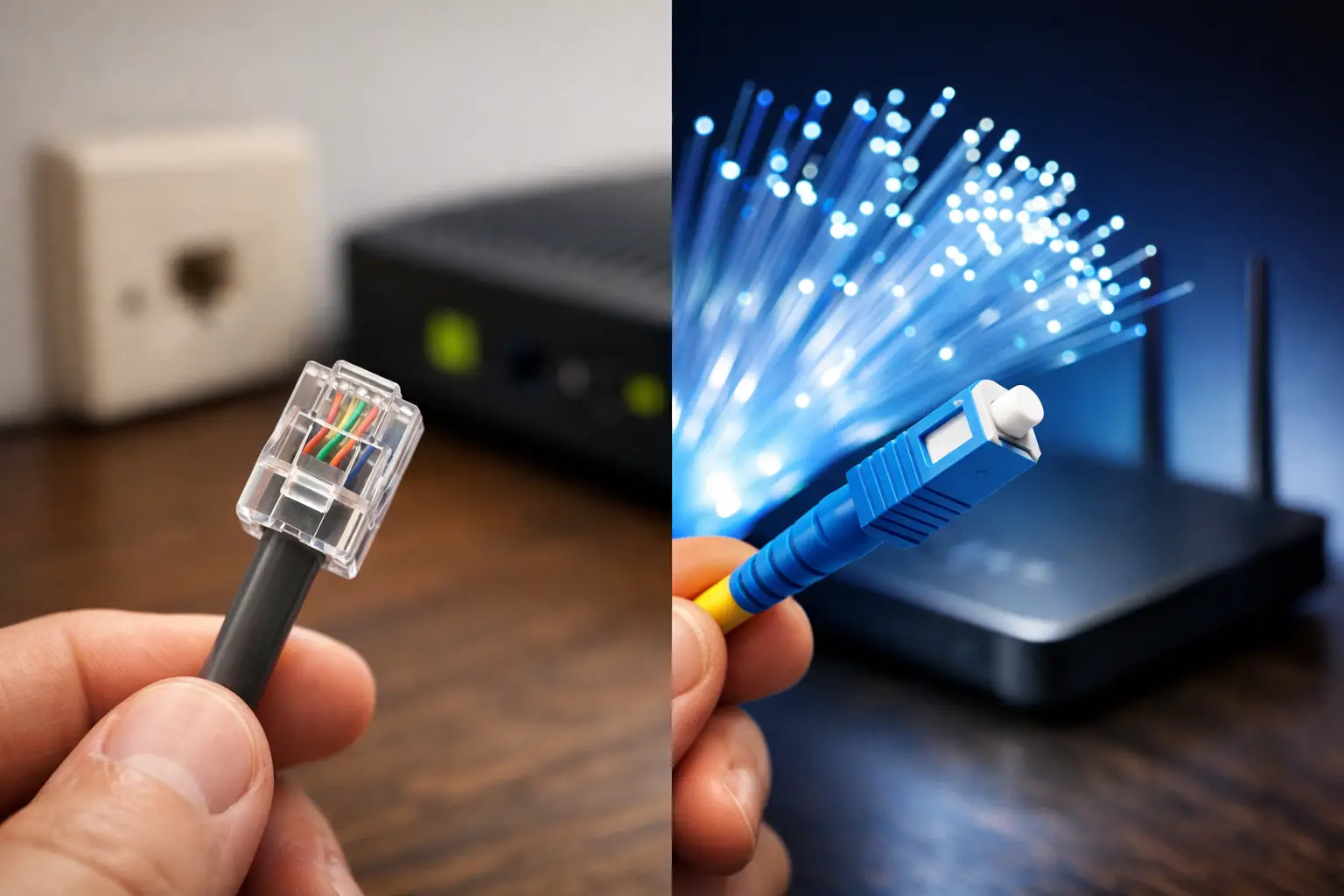
The infrastructure at your address is a deciding factor when choosing internet. In a building with fiber infrastructure, fiber packages can be a strong option for high speeds and multiple users. Where fiber isn't available, VDSL can deliver enough performance for everyday classes and research. In locations with limited infrastructure, wireless internet alternatives are worth considering. The best package is not the one with the highest numbers on paper, but the one that can run reliably at your address.
5 things to consider when choosing a package
1. Download speed should cover daily use
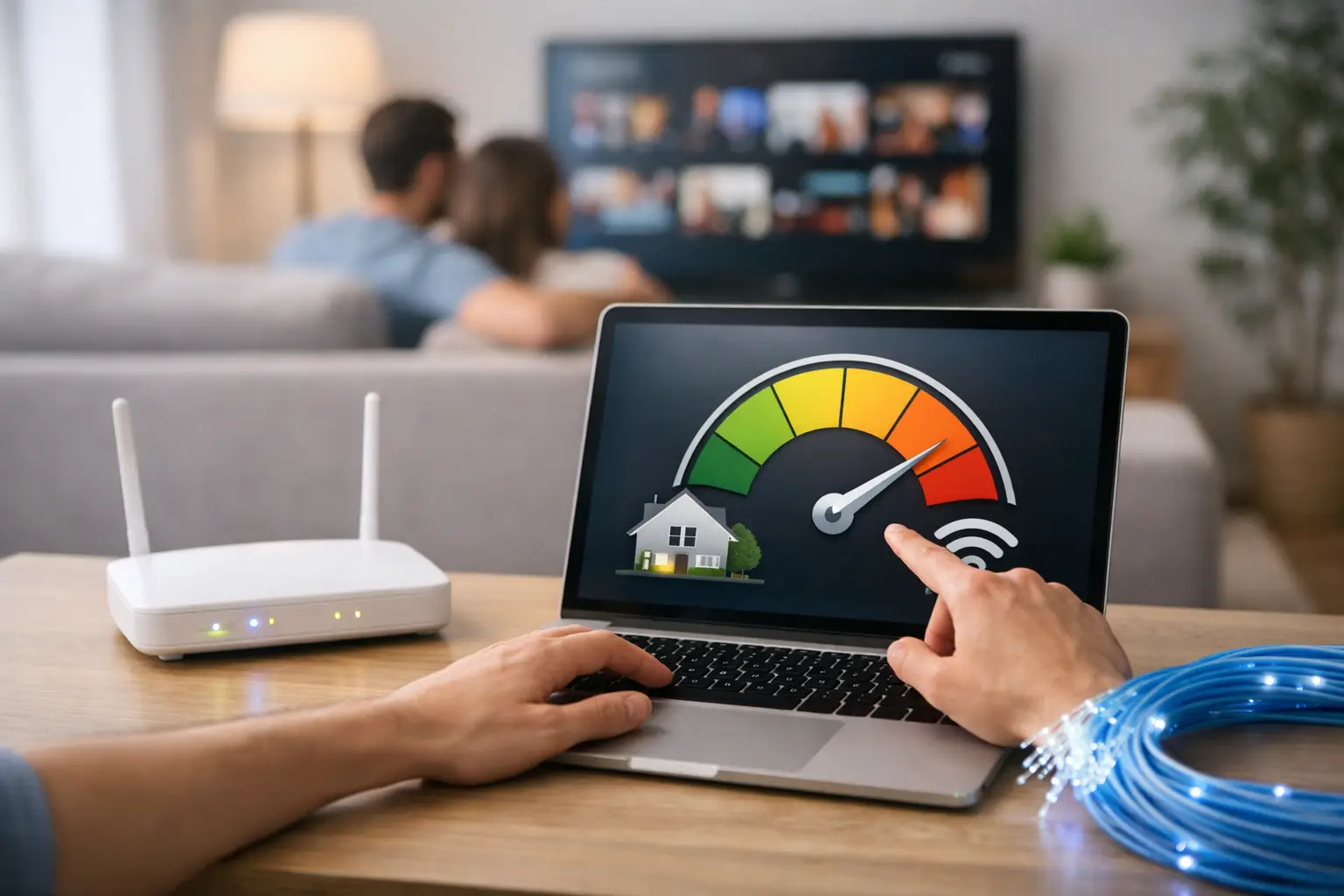
A basic connection may be enough for watching lecture videos, downloading PDFs and presentations, doing research and using social media. But if several people in the home are online at the same time, needs rise quickly. If one person is watching a live class while another is gaming or streaming 4K content, slowdowns may be noticeable on lower-speed packages.
A student who lives alone and mainly uses course platforms does not have the same needs as a student living with family. When choosing a package speed, ask not only "What do I use it for?" but also "Who uses the internet at home, and at what times?"
2. Upload speed makes a difference for projects and live classes
Many users focus only on download speed, stated in megabits. Yet upload speed matters for submitting project files, making video calls, sharing presentations or backing up to cloud storage. For a student trying to upload a large video minutes before the deadline, this difference can translate directly into lost time.
Students who regularly work in fields such as design, software, architecture, video editing or media should pay particular attention to upload requirements. The bigger the files, the clearer the value of a balanced connection becomes.
3. Latency affects the connection experience
Latency is the time it takes for data to travel between your device and a server on the internet and back. Delayed audio in live classes, people talking over each other on video calls, or pages responding slowly during an online exam can all be linked to high latency.
For students who game, latency is a separate criterion. Still, rather than choosing a package for gaming alone, it makes more sense to evaluate overall connection quality together with study and household use. A stable connection is often more useful than a very high but fluctuating speed.
4. Data allowance and terms of use should be clear
Video lectures, online meetings and digital content increase data consumption. Before signing up, review the package's terms of use, any speed throttling policies and the possibility of extra charges. For students who want to plan their budget, avoiding surprises on the monthly bill is important.
In shared homes especially, internet habits should be discussed. If one housemate is constantly streaming, another is gaming online and a third is working remotely, a shared package can quickly reach its limits. Calculating needs correctly from the start prevents mid-month disputes over connection quality or costs.
5. Contract terms and the sign-up process should fit your plans
Students' living arrangements can change frequently. With dorms, shared flats, the family home or studying in another city, long-term commitments are not always suitable. That's why you should carefully review a package's contract terms, relocation options, cancellation process and any prepaid or flexible alternatives.
Being able to complete the application easily through digital channels also saves time. Easy access to tasks such as infrastructure checks, subscription tracking, viewing bills and submitting support requests improves the user experience, especially during busy exam periods.
Internet needs based on usage habits
There is no single ideal speed for every student. For someone who follows classes, checks email, downloads documents and does web research, a balanced entry-level package may be enough. Those who frequently attend live classes, watch high-resolution lecture recordings or share the connection with several people at home should opt for higher speeds.
For students who develop software, do remote internships, build digital portfolios or work with large design files, the upload side of the connection becomes more critical. In this scenario, choosing a package should not come down to "How many Mbps?" alone, but also to how stable the connection stays throughout the day.
Online gaming, streaming platforms and social media should also be factored in. These may seem unrelated to studying, but in shared homes they directly affect the total internet load. Building a realistic picture of usage makes it easier to decide on a package that suits both your budget and your performance needs.
Small steps to improve your home connection
Choosing the right package is important, but your wireless network setup also determines performance. Placing the modem in an enclosed corner, next to metal objects or behind thick walls can weaken the signal. Keeping the modem in a central and as open a position as possible can improve coverage between rooms.
During live classes or online exams, using a wired connection where possible can provide a more stable experience. If you need to use Wi-Fi, connecting from a spot close to the modem and pausing unnecessary downloads at the same time helps. These simple measures can help you identify the source of problems before changing your package.
It's also important to keep your modem firmware up to date and your password secure. Devices using your internet without permission can both slow the connection and create a security risk. Checking the devices on your network periodically is a useful habit, especially in shared homes.
Access to support is part of the package too
When there is a problem with your internet service, what matters is not only that the fault gets fixed, but that you can get fast help through the right channel. Waiting days for a connection problem to be resolved before a class or exam is a serious risk for students. That's why, when researching packages, you should also consider services such as technical support access, ease of online transactions and fault tracking.
With providers like Tepenet that offer digital service channels and support services, practical subscription and service management can save users time. Even so, the soundest step before deciding is to check the infrastructure at your address and whether the chosen package fits your own usage pattern.
Before choosing your internet package, think about a week of your actual usage: How many hours of live classes do you attend, how many devices connect, and how many files do you upload? This quick assessment is the best starting point for finding a connection that doesn't strain your budget or interrupt your study routine.