
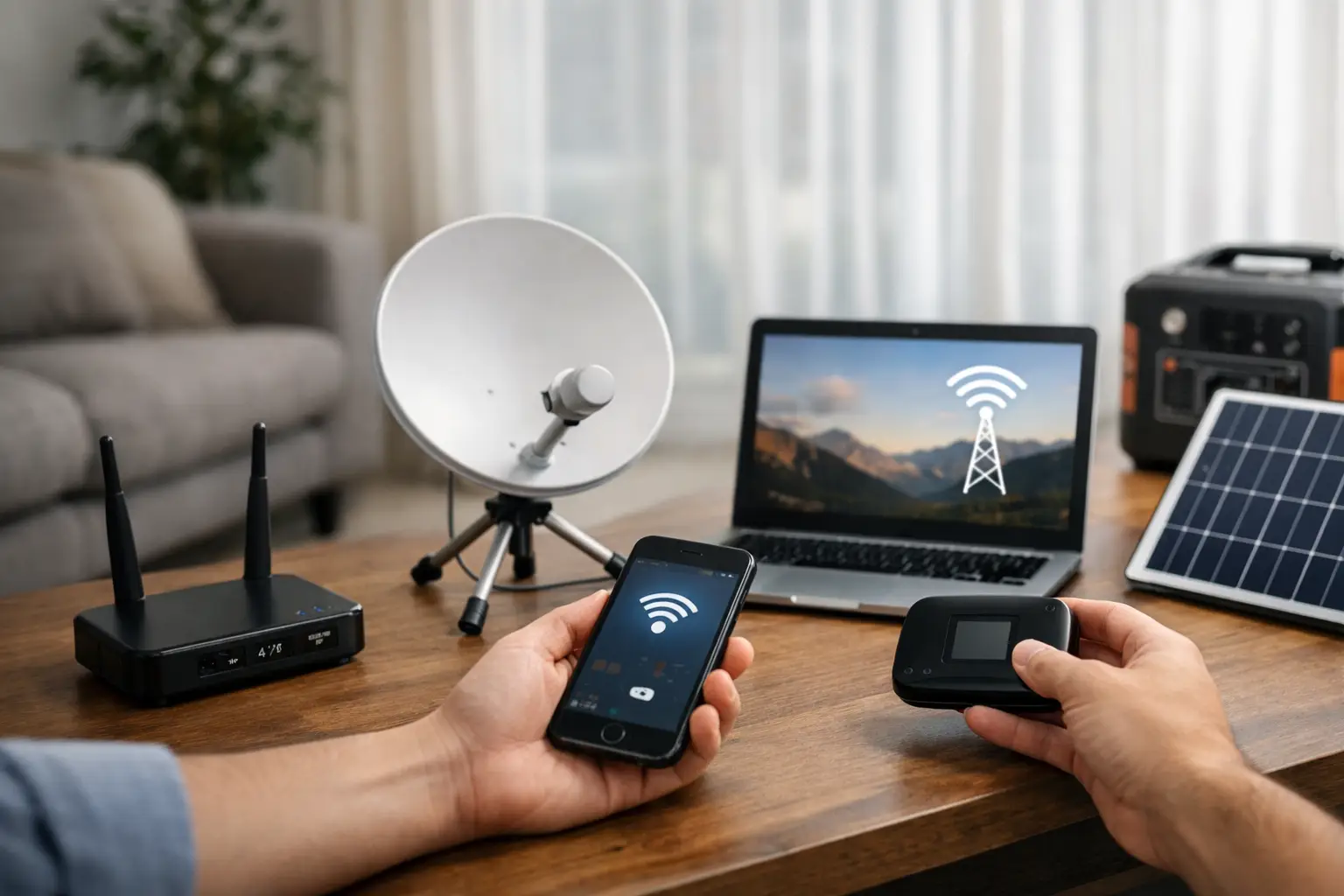
Waiting for your modem to be installed in your new home, only to see the message “service is not available at your address,” is frustrating. Especially for remote workers, students attending online classes and businesses using POS systems, the question of what to do when there is no internet infrastructure is not something that can be put off. However, this situation doesn’t always mean a permanent obstacle. First you need to identify exactly what the problem is, then choose the solution that suits your address and your usage.
First, clarify what “no infrastructure” means
The phrase “no infrastructure” doesn’t describe a single situation. The fiber line may not have reached the building, there may be no telephone line, the capacity of existing lines may be full, or the building may have infrastructure but no free port assigned to your flat. The timeframe and method for solving each of these scenarios are different.
The first step is to have your address checked in as much detail as possible. Province, district, neighborhood, street, building and flat details must be entered correctly. Especially in newly built buildings, there can be discrepancies between the address record and the physical building information. Rather than just getting a “no internet” answer, find out which infrastructure is missing and, if applicable, why service cannot be provided.
The type of connection your neighbors use is also a valuable clue. If one flat in the same building uses fiber but no service appears for your flat, the problem is most likely not the building infrastructure but the port or the flat’s wiring. On the other hand, if no one in the building can use fixed internet, an application for building or area infrastructure may be needed.
What does it mean if there is no free port?
Having no free port usually means the infrastructure exists, but capacity cannot be allocated for a new subscription at that moment. In this case, the right approach is to submit an infrastructure request, check again after subscriptions are cancelled and follow up on the record with your provider. Sometimes a port opens up quickly; other times it can take longer depending on investment and field plans in the area.
An old telephone socket in your flat, a cable box at the building entrance or previously used internet wiring can also affect installation possibilities. Instead of assuming a definite outcome without an assessment by the technical team, share information about your existing wiring when you apply.
No internet infrastructure? The right steps
If you need a fixed connection, don’t start by randomly buying a modem; start with a registered request and an eligibility check. The path is clear: verify your address status, talk to the building management, get your infrastructure request on record and choose a temporary connection option based on how heavily you use the internet.
1. Talk to the building management and the contractor
In new buildings, the in-building cabling required for internet may not be complete. The building manager or contractor can tell you which operators have brought lines into the building, whether there is permission for wiring in common areas and whether any applications have been made before. When several flats submit requests at the same time, the demand becomes more visible.
If the in-building wiring is incomplete, an individual application alone may not be enough. Management approval may be required to run cables through common areas. That’s why starting the process early reduces the risk of being left without a connection on moving day.
2. Get your infrastructure request on record
Instead of settling for verbal information, ask for a reference number for your request. Your address, flat number, contact details and requested service type must be correct. You can ask about the expected response time, but an exact date cannot always be given for infrastructure installations.
It makes sense to get eligibility information from more than one provider, because each company’s technology and coverage area differ. While fiber may not appear with one provider, another service option, such as a VDSL or wireless connection, may be available for your address.
3. Consider fixed wireless internet
In areas where there is no wired infrastructure or installation is pending, fixed wireless internet can be a practical alternative. In this model, the connection is provided via outdoor or indoor equipment under suitable coverage conditions. It can offer sufficient performance for users who make video calls, consume digital content or run a small office from home.
The critical factors here are coverage and line-of-sight conditions. Even two buildings in the same neighborhood can have different experiences. Tall buildings, terrain, building location and device placement indoors can affect connection quality. That’s why a technical eligibility check should be done before choosing a package.
Users living in and around Kocaeli can check eligibility for fiber, VDSL or wireless options at their address through Tepenet. This gives a clearer picture of the available connection type, installation requirements and current package options.
4. Plan mobile internet as a temporary solution
In an area with strong 4.5G or 5G coverage, mobile internet can be a useful bridge until a fixed connection is installed. Sharing your phone’s internet may seem sufficient for short-term use, but with heavy use, phone overheating, battery drain and data allowance management can become problems. SIM card-supported modems are better suited to managing this need in a more organized way.
When choosing mobile internet, don’t look only at the data allowance. For someone working from home, video meetings, cloud backups and large file transfers can use up data faster than expected. Speeds may also vary in the evening due to cell tower congestion. So mobile is a strong solution for urgent needs, but for very heavy and continuous use it’s an alternative that should be evaluated according to the conditions at your address.
5. Set up a backup line for your business
For small businesses, a connection outage can affect not just communication but also payments and the customer experience. Relying on a single internet line is risky for cafés, shops, offices, clinics or businesses with field teams. While waiting for a fixed line, a mobile modem or wireless connection can be used as a backup.
Whether the backup connection kicks in automatically depends on the modem and network equipment. If the POS device, security cameras, cloud-based accounting software and guest Wi-Fi network all use the same connection, prioritization may be needed. As the business’s daily transaction volume grows, so does the need for professional installation and support.
6. Consider satellite internet based on local conditions
In very rural areas where wired and terrestrial wireless options are limited, satellite internet may come into consideration. Its biggest advantage is reach. On the other hand, equipment costs, latency, the effect of weather conditions and package terms should be carefully evaluated.
For online gaming, real-time financial transactions or latency-sensitive video calls, the experience may not match a fiber connection. Even so, in a location where no other options are available, it can be a meaningful alternative for meeting basic connectivity needs.
7. Don’t mistake an in-home connection problem for an infrastructure problem
Sometimes the internet reaches the building, but the connection becomes unusable due to weak Wi-Fi inside the home. A modem tucked away in a closed cabinet, thick walls, the wrong channel or old devices can create the impression that “the internet isn’t working.” This is not a lack of infrastructure but a home wireless network problem.
Moving the modem to a central, open spot, connecting your work computer via Ethernet cable where possible and using a mesh Wi-Fi system in larger homes can make a difference. Especially in homes where people work remotely, the modem’s location matters as much as the connection type.
Determine your needs before applying
The right solution isn’t simply choosing the highest-speed package. You should consider how many people connect at the same time, how often you have video meetings, whether anyone plays games, whether you use security cameras and how much you need to upload. For example, a home where four people stream at once and a small shop that only uses email and POS have different priorities.
Commitment period, installation fee, modem options, data allowance terms and technical support channels are also part of the decision. Flexible packages may suit those looking for a temporary solution. Users who will stay at the same address for a long time and use the internet heavily may prefer more stable fixed connection options.
Having to wait for infrastructure doesn’t mean you have to go without a connection. Verify the actual situation at your address, get your request on record and choose a temporary or permanent alternative that suits your usage. A first application made with the right information brings you much closer to solving your internet needs quickly and in a controlled way.







