
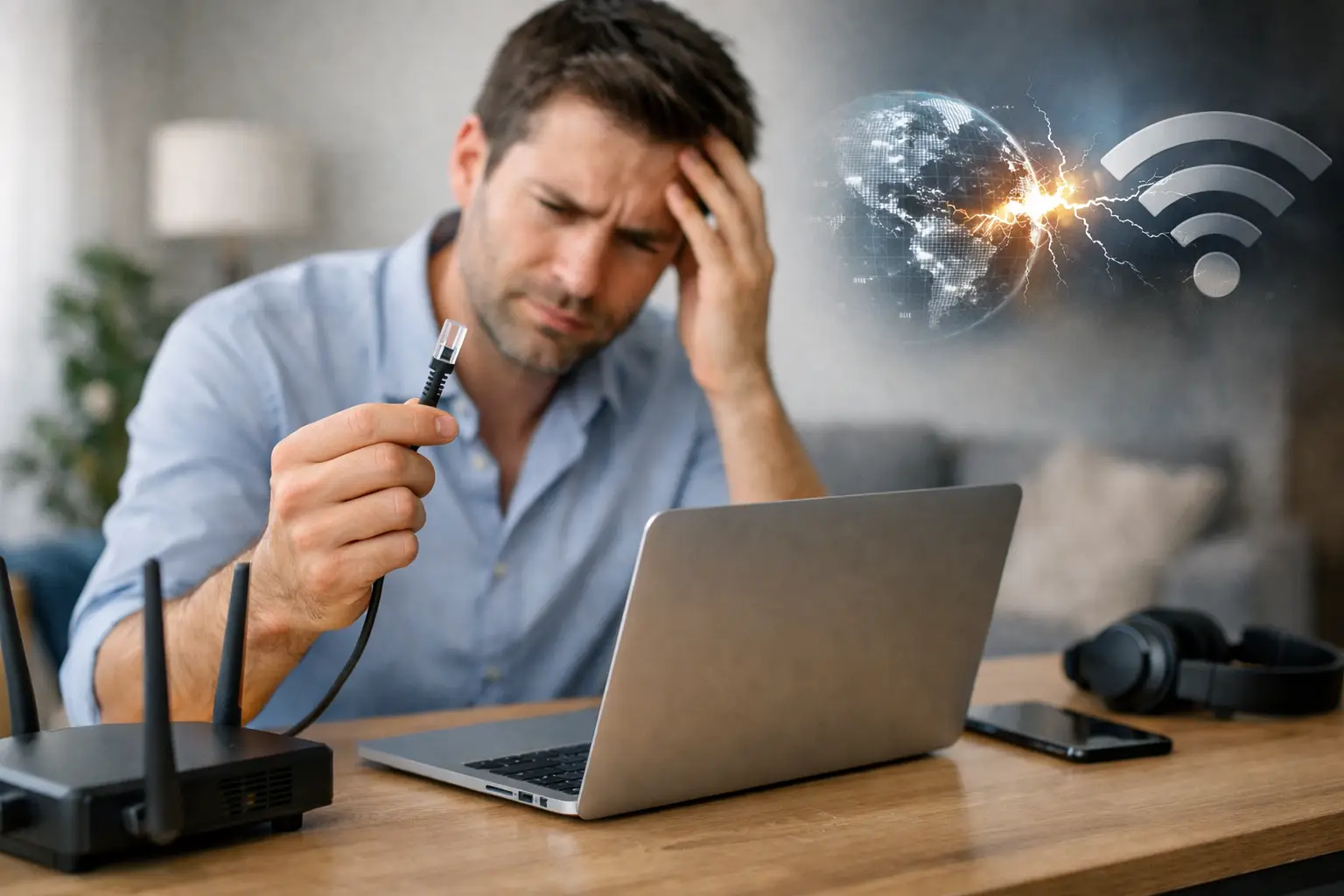
The sound cutting out in the middle of a video call, a payment page that won't load, or being unable to reach cloud apps at the office usually leads to the same question: what causes internet disconnections? The source of the problem isn't always the internet service provider. Many different points, from the modem to wireless coverage and from building wiring to regional infrastructure work, can affect your connection.
The right fix starts with understanding when and where the outage happens. Is the internet dropping on just one device, or are all the devices in your home or workplace affected? This small distinction helps you get closer to the source of the problem without unnecessary steps.
How can you tell what's causing internet disconnections?
When you have a connection problem, start by checking the lights on your modem. The status of the DSL, internet, PON or LOS lights gives you the first clue as to whether the problem is in your home network or on the line itself. For example, if the wireless light is on but the internet light is off or red, your device may be connected to the modem while the modem can't reach the internet.
The scope of the problem also matters. If only your phone is losing connection, check the Wi-Fi settings, the device software or the signal level in the room you're in. If your computer, TV and phone all lose internet access at the same time, the modem, cables, line or infrastructure may need to be looked at.
It's also helpful to note the time and frequency of the outages. If you experience slowdowns or drops at certain times every day, network congestion, wireless interference or, in businesses, a spike in simultaneous users may be the cause. For outages that start randomly and last a long time, line values and the state of the infrastructure become more important.
Problems caused by the modem and connection equipment
When a modem runs for a long time without a restart, temporary software or connection errors can occur. Turning the modem off, waiting about 30 seconds and turning it back on is the first step for many short-term connection problems. This lets the modem re-detect the line and refresh its IP connection.
However, switching the modem off and on repeatedly is not a good idea. On VDSL connections in particular, the line may interpret this as instability and drop the connection profile to a lower speed. Restart it once in a controlled way, then wait a few minutes for the lights to return to normal.
Cable connections also cause problems more often than you might expect. A loose, crushed or worn cable between the modem and the wall socket can lead to disconnections. On fiber connections, sharply bending the optical cable can also affect signal quality. Check the cables without forcing them; if you see visible damage, open a support ticket to find out about replacing the equipment.
The modem's location matters, especially for wireless use. Placing the modem in a closed cabinet, on the floor, near metal surfaces or behind thick concrete walls weakens Wi-Fi reach. A central, open and preferably elevated spot provides more balanced coverage. In large homes, multi-storey buildings or spacious offices, a single modem may not be enough; mesh systems or access points can offer a more consistent solution.
Tell a Wi-Fi drop apart from an internet outage
A weak Wi-Fi connection doesn't mean your internet line is down. If your phone loses its connection in a room far from the modem but gets back online next to the modem, the issue is usually wireless signal strength. In that case, it makes more sense to improve Wi-Fi coverage first rather than change your internet package.
In apartment buildings and busy offices, many networks using the same Wi-Fi channel can interfere with each other. The 2.4 GHz band in particular offers wider coverage but is more prone to congestion. If your modem supports it, the 5 GHz network can deliver faster and more stable results for devices nearby. On the other hand, the 5 GHz signal weakens faster as it passes through walls. So the best option depends on the size of the area and where your devices are located.
For stationary devices such as smart TVs, game consoles, desktop computers or POS terminals, use an Ethernet cable whenever possible. A wired connection eliminates Wi-Fi interference and coverage issues and offers lower latency. The difference can be noticeable, especially for online meetings, remote work, live streaming and business software.
The impact of infrastructure and building wiring
Infrastructure type plays a big role among the causes of internet disconnections. Because fiber internet carries data using light signals, it's a strong option for high speed and low latency. VDSL, on the other hand, runs over the existing telephone infrastructure; the line's distance to the street cabinet, the condition of the copper cable and the building's internal wiring can affect connection quality. With wireless internet solutions, line of sight to the base station, weather conditions and local coverage can all play a part.
Old or spliced wiring inside a building can also undermine connection stability. Multiple sockets, unnecessary extension cables, low-quality splitters and moisture-damaged connection points can cause fluctuations, especially on DSL lines. Where possible, it helps to use the modem close to the main line and avoid unnecessary extension cables.
Sometimes an outage is caused by regional maintenance work or a physical infrastructure fault. In such cases, changing modem settings won't solve the problem. Checking the service status through digital channels and giving technical support clear information about when the outage started, the modem lights and the affected devices speeds up the process.
Disconnections caused by devices, software and heavy usage
If the internet seems to be working but only one app or device can't connect, look at the device side. The computer's network driver may be outdated, or the phone's airplane mode or a custom DNS setting may be affecting the connection. VPN apps, firewalls and some antivirus software can also cause problems accessing certain websites or corporate systems.
Streaming in 4K, downloading large files, gaming online and holding video meetings at the same time at home can strain your total capacity. The issue here isn't always a disconnection; heavy usage may show up as increased latency and slow-loading pages. In businesses, separating the guest network from the staff network, prioritizing critical devices and expanding wired connections allow for more controlled usage.
A checklist to follow when you have an outage
Follow this order to quickly narrow down the problem:
- Check the modem lights and restart the modem once, waiting 30 seconds.
- Test the same connection on at least two different devices.
- If possible, test the connection with an Ethernet cable instead of Wi-Fi.
- Check the modem cables, the socket and any visible physical damage.
- Note the time and duration of the outage and any changes in the modem lights.
If the problem persists after these checks, share your observations when contacting the support team rather than just saying "there's no internet." For example, mentioning that the internet light is red, that there's no access over a wired connection either, or that the outage starts at the same time every evening makes the technical investigation easier.
When should you contact technical support?
You should get technical support if the internet light doesn't return to normal after restarting the modem, if all devices are affected, or if the connection keeps dropping throughout the day. Especially for businesses whose payment systems, remote access, security cameras and customer communication rely on the internet, wasting time on temporary fixes can lead to operational losses.
Tepenet customers can get things moving faster by checking their subscription and service status through online channels before submitting a support request. If needed, our teams can remotely review line values and infrastructure signals to distinguish between modem, wiring or regional network causes.
Accurately identifying where your connection is dropping helps you get back online faster and avoid unnecessary equipment replacements. A better modem position, a secure cable connection or a support ticket opened at the right time puts you back in control of your connection at home and at work.







