
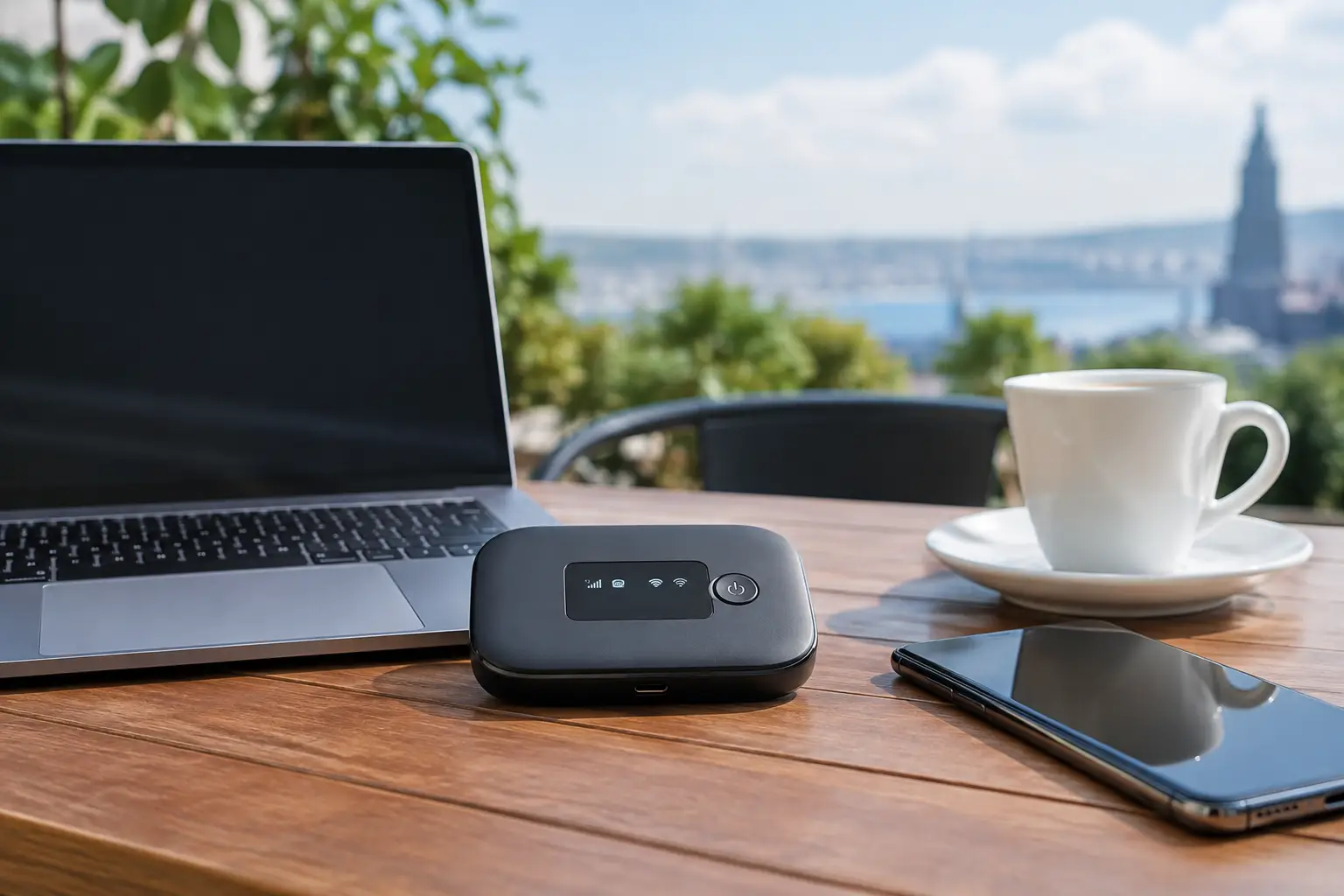
Joining a meeting on the road, waiting for the landline to be activated in the home you just moved into, or needing an uninterrupted connection for your POS device all raise the same question: how does portable internet work? Essentially, your device connects to a base station within the mobile operator's coverage area and then shares that connection with phones, computers and other devices via Wi-Fi or cable. However, the real-world experience isn't determined simply by switching the device on. Location, network congestion, data allowance and device capacity all directly affect the result.
Portable internet is a practical option for users who don't want their connection tied to a fixed address. Still, if you have constant heavy data use at home, frequent video calls or many users connecting at the same time, it's important to properly weigh up how it compares with fixed internet.
How does portable internet work?
At the heart of portable internet is the SIM card. The SIM card allows the device to be recognized by the mobile network. A mobile phone, portable modem or SIM-enabled modem communicates wirelessly with a 4.5G base station nearby, or a 5G base station in supported areas. This connection provides internet access through the mobile operator's core network.
The device converts the mobile data it receives into a Wi-Fi signal. This lets devices such as laptops, tablets, smart TVs or phones join the same network. Some portable modems also have an Ethernet port. This feature can provide a more stable local connection for desktop computers or office equipment that works over a network cable.
The key distinction here is this: Wi-Fi is not internet access itself. Wi-Fi is the method by which the internet connection is delivered to your devices. A portable modem first receives internet from the mobile network and then shares that connection over Wi-Fi. The personal hotspot on your phone works the same way; the phone takes on the role of the modem.
What steps does the connection go through behind the scenes?
When the device is switched on, the SIM card's subscription details are verified. The modem scans for nearby base stations it can reach and connects to a suitable network. Your device is then assigned a network address and data exchange begins. When you open a web page or make a video call, your data reaches the base station via radio signals and is then forwarded to the destination server through the operator's infrastructure.
That's why the quality of portable internet doesn't depend only on the modem brand. Even with an excellent modem, speeds may drop or the connection may become unstable if coverage is weak where you are. On the other hand, in a location with good coverage, with the right device and a sufficient data package, most everyday tasks can be handled comfortably.
Which devices can you use to connect to portable internet?
The most common option is a pocket-sized mobile modem with its own battery. These devices can usually run for several hours without needing a power outlet. Since they can be charged via USB, they're convenient for short trips and places where power outlets are limited.
The second option is your phone's personal hotspot feature. It doesn't require any additional device and is a quick solution in emergencies. However, the phone's battery drains faster, it may heat up, and long-term use can interfere with your everyday phone use. It's suitable for a short connection with a single computer, but it's usually not the most efficient method for a team working all day.
SIM-enabled desktop modems are a good choice for home or small office use. Because they run on mains power, there's no battery limit, and some models offer stronger Wi-Fi coverage, external antenna support or wired connections. They can be useful for changing work locations, temporary offices and places where fixed infrastructure isn't active yet.
Why isn't the speed the same everywhere?
With portable internet, the signal bars on the screen are a useful first indicator, but they aren't enough on their own. Signal quality and the number of people using the same base station affect the connection just as much as signal strength. Speeds may drop in a busy area in the evening, while the same device can deliver better results at quieter times.
The main factors that determine speed are:
- 4.5G or 5G coverage at your location and how well the signal penetrates the building
- The number of people using the network at the same time
- The network technologies and Wi-Fi standard supported by the modem
- Placing the device near a window, in an open area or at a higher point
- The speed, data allowance and terms of use of your data package
Thick walls, basements, metal surfaces and certain spots indoors in particular can weaken the signal. Moving the modem closer to a window is, in most cases, a simple but effective improvement. Using the device on an open, well-ventilated surface rather than inside a closed cabinet is also better for both reception and temperature.
Latency matters just as much as speed. It can be decisive for loading pages, online gaming, remote desktop use and video calls. On mobile networks, latency can vary more depending on conditions compared with a fixed fiber connection. So rather than looking only at a download speed test, trying the connection with the application you'll actually use gives a more realistic picture.
Data allowance, data usage and multiple users
With portable internet, choosing the data package is just as important as choosing the device. Email, messaging and basic web browsing use relatively little data. High-resolution video, cloud backups, game downloads and updates, on the other hand, can use up your allowance quickly. When several people connect to the same connection, consumption accelerates even further.
For example, a family might use portable internet at home as a temporary solution for a few days. But if the children are watching videos, the parents are on video meetings and the smart TV is downloading an update all at the same time, the data plan may run out faster than expected. Checking automatic updates on devices not in use and adjusting video quality to your needs can help manage costs.
For small businesses, a portable connection can be considered as an alternative or backup to the main internet line. Connection continuity is valuable for POS transactions, basic customer communication and cloud-based business applications. However, for heavy camera streaming, large file transfers or constant multi-user office traffic, package contents, coverage performance and device capacity should be calculated in advance.
Basic settings for safe use
Once the portable modem is set up, the default Wi-Fi name and password should be changed. Choosing a long password that's hard to guess reduces the risks from neighboring networks or unauthorized use. If possible, use the WPA2 or WPA3 security option.
The modem's admin panel password should also be different from the Wi-Fi password. Through this panel you can see connected devices, data usage and, on some models, guest network settings. If you notice a device you don't recognize, change the password and check the connected devices list again.
Portable internet shouldn't be confused with public Wi-Fi networks. A password-protected network created with your own SIM card and your own modem is a more controlled option than networks open to the public. Even so, make sure the devices you use for sensitive tasks such as banking or accessing corporate systems are up to date.
Portable internet or fixed internet?
The right option depends on how you use the internet. If you travel often, are staying at a temporary address or need a connection quickly, portable internet offers advantages in speed of setup and ease of installation. It's also a good transitional solution so you're not left without internet in a new home until the infrastructure process is complete.
On the other hand, for constant home use, high-resolution streaming, working from home, online learning and many connected devices, fixed internet usually offers a more balanced experience. Fiber infrastructure, where available, stands out for its high speed, lower latency and greater usage capacity. VDSL and fixed wireless internet options can also be considered depending on the infrastructure.
The most balanced approach is to position portable internet according to how long you need it. A mobile solution makes sense for short-term connections, working on the move or a backup line. For long-term, heavy use, checking the infrastructure at your address and choosing a fixed internet package that suits your usage habits provides more controlled costs and performance.
When making your connection decision, first assess the coverage and infrastructure where you are, then consider how many devices will use which applications. When you choose the solution that fits your needs, the internet becomes not a detail that holds up your work, but support that's always ready, wherever you are.







