
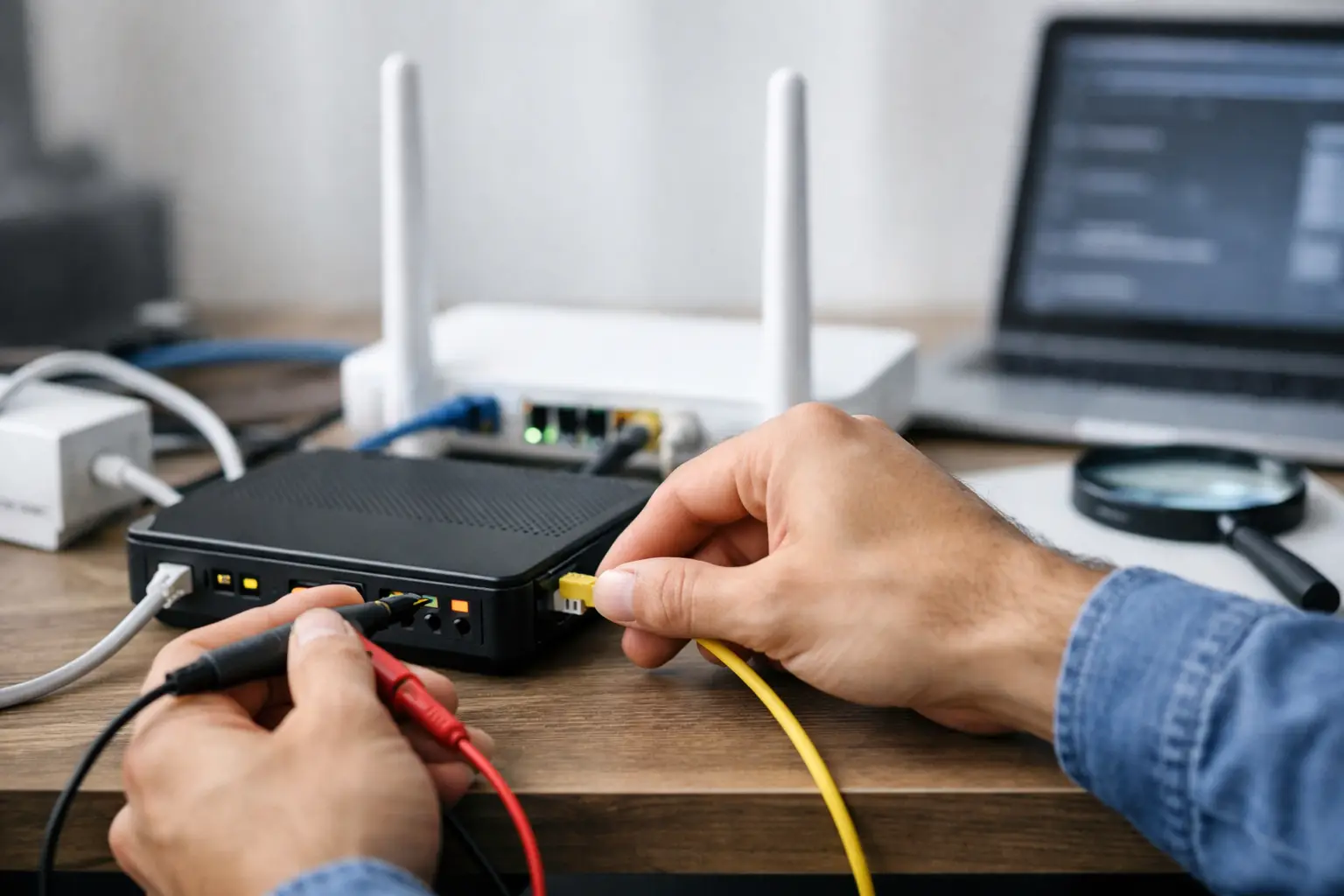
When your internet slows down, drops or won't connect at all just when you need it most, there is rarely a single cause. The answer to how to fix a VDSL connection problem is a structured process that runs from the modem and in-home wiring to the building's wiring box and the regional infrastructure. Following the right steps in the right order helps you find the source of the problem faster, without changing modem settings unnecessarily.
First, identify the type of problem
With VDSL issues, the first thing to check is whether the internet connection has dropped completely or whether it is connected but performing poorly. If the DSL light on the modem is off or keeps blinking, there may be a sync problem between the line and the modem. If the DSL light is solid but the internet light is off, check your username, password, session or the connection on the service side.
If you are connected but pages load slowly, the VDSL line isn't always to blame. Many devices online at the same time, weak Wi-Fi coverage, background updates or video backups can all affect speed. If possible, run your test first with a computer connected to the modem via an Ethernet cable. If the wired connection works fine, focus on your Wi-Fi settings and modem placement rather than the line.
How to fix a VDSL connection problem: Basic checks
The first checks are simple, but most connection problems can be solved at this stage. Check the modem's power adapter, make sure the power cable isn't loose, then turn the device off, wait about 30 seconds and turn it back on. This helps clear temporary connection errors and stuck sessions.
Next, inspect the phone line cable. The cable between the modem and the phone socket should be as short as possible, free of joins and not crushed. Old, thin or damaged cables can weaken the VDSL signal. Long extension cables, splitter adapters and unnecessary intermediate connections in particular can increase dropouts.
If you also use a landline at home, check the splitter connection. A faulty splitter or using the wrong port can cause the DSL signal to disappear entirely or drop frequently. For testing purposes, if suitable, connect the modem directly to the phone socket without the splitter for a short time. If the connection improves during this test, the splitter or the phone-side connections should be looked at.
Resetting the modem to factory settings should not be your first choice. This erases your internet settings, wireless network name and password, and you will need your service details to set it up again. It's more practical to complete low-risk steps first, such as restarting, replacing the cable and checking the socket.
What do the modem lights tell you?
The DSL light on the modem shows whether the line is physically synced. If the light is off, the modem isn't detecting the line. If it's blinking, it's searching for sync; if it's solid, the physical connection has been established. The internet light indicates whether a session has been opened on the service provider's side over that line.
If the DSL light is solid but the internet light is off, check the username and password in the modem interface. Especially after a modem replacement or settings reset, the PPPoE details may be missing or entered incorrectly. Instead of guessing and changing these details, use the correct credentials assigned to your subscription.
Why does in-home wiring affect VDSL speed?
VDSL technology needs a clean, high-quality copper line to deliver high speeds. As the distance to the exchange or street cabinet increases, cable quality drops and the number of joints grows, the achievable speed may decrease. This means your package speed may not always run at the same rate on the line.
In-home wiring is decisive here. If possible, connect the modem to the main phone socket. In homes with multiple sockets, cables added later or old connection points can cause signal interference. Comparing how the modem behaves on different sockets helps you tell whether the problem originates inside the flat or from the building or external line.
If the connection deteriorates especially in rainy weather, drops when the phone is used, or fluctuates at certain times of day, the physical line and wiring may need to be inspected. These symptoms don't always point to the same fault, but they are valuable observations to share when opening a technical support ticket.
Check the line values in the modem interface
The modem interface usually shows information such as DSL status, sync speed, line attenuation and SNR margin. These values may look technical, but they are useful for tracking the problem. On a line that drops frequently, you may see sudden drops in SNR or fluctuations in sync speed.
Taking a screenshot of this page makes it easier for the support team to assess the fault. Still, it's not right to make a definitive diagnosis based on a single value. Line length, building wiring, momentary interference and the modem model can all affect the results. Reviewing the values together with an expert is the best approach.
If speed is the issue, test your Wi-Fi too
Your wireless connection can seem slow even when your VDSL line is stable. Placing the modem inside a closed cabinet, on the floor, behind thick concrete walls or near electronic devices such as a TV unit can reduce coverage. Moving the modem to a more central, open spot in your home can make a difference.
The 2.4 GHz network offers wider coverage but can be more affected by nearby wireless networks. The 5 GHz network can deliver higher speeds near the modem, but its range through walls is more limited. Try both networks depending on how you use them at home. In large homes or multi-floor offices, an additional access point or a mesh solution can provide a more balanced experience.
When running a speed test, pause downloads, game updates, cloud backups and streaming apps on other devices. Repeat the test several times at different times of day. Looking at consistent results rather than a single measurement makes it easier to tell whether the problem is constant or caused by peak usage.
When should you request technical support?
If the DSL light still doesn't come on after restarting the modem, replacing the cable and trying the main socket, it's time to request technical support. Likewise, open a ticket if the connection drops frequently, speeds stay well below your package's expected level, or the line values in the modem interface fluctuate noticeably.
Describing the problem clearly in your support request speeds up the process. The time the problem started, the status of the DSL and internet lights, any socket or cable changes you tried, and the results of a speed test over a wired connection are enough. If there is regional maintenance or an outage, your service provider can share that information too.
Tepenet customers can manage the ticket process more easily by tracking their subscription and support requests through digital channels. For businesses in particular, reporting how the outage affects working hours and the devices in use helps set the right priority for the solution.
To reduce the chance of recurrence
Keeping your modem firmware up to date as recommended by the manufacturer, using the device in a well-ventilated area and protecting cables from crushing or moisture all help connection stability. Very old modems may not deliver the expected performance with newer VDSL profiles. When considering a new modem, look not only at wireless speed but also at VDSL compatibility and the number of devices in your home.
If your internet connection supports your daily tasks, remote work or your business's payment and communication systems, don't put off small symptoms. Noting when dropouts happen, doing the basic checks and sharing this information with technical support when needed is the most practical way to get your connection stable again quickly.







