
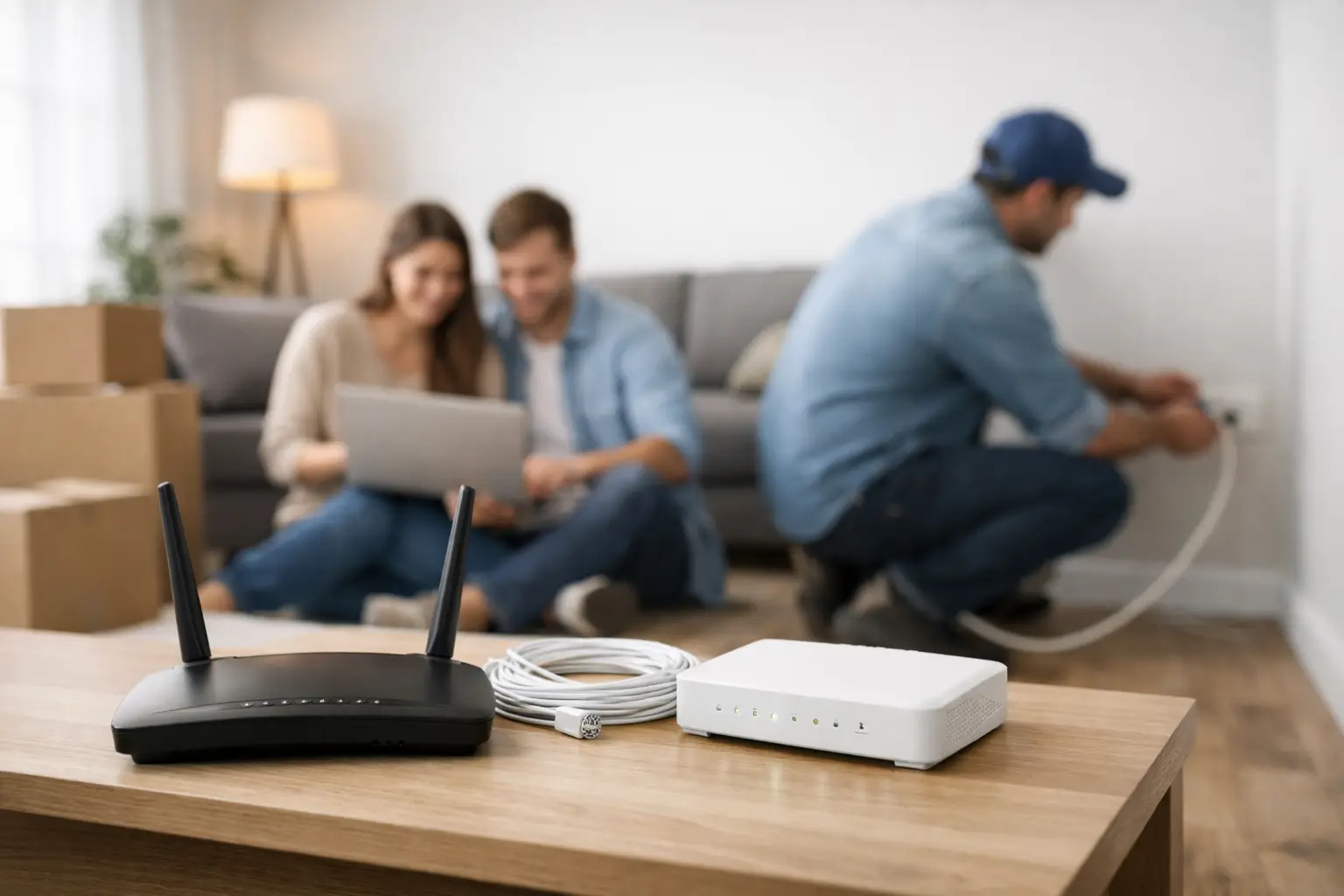
On moving day, before the boxes are even unpacked, the need for internet makes itself felt: remote work, school platforms, smart TVs, payments and everyday communication can't wait. Leaving internet setup for your new home until the last day can lead to days without a connection and a hastily chosen package. The right order, however, is simple: find out the infrastructure at your address, determine the speed that suits your usage, complete the application and plan the connection point inside your home.
Confirm Your Address Details Before You Move
The most common delay in internet applications is incomplete or outdated address information. The neighborhood, street, building number and especially the apartment number must be complete. In newly built buildings, it can take time for the address to appear in official records. In that case, verifying the unit details with the building management or the contractor speeds up the process.
If you're a tenant, you can start the subscription in your own name. However, if a new cable needs to be run from the building's common areas to your apartment, it's practical to talk to the management in advance. If the landlord has an existing internet subscription, the transfer or cancellation status of the old subscription should also be checked. Old records that still appear active for the same apartment may require additional review during the new application.
Once your moving date is set, don't wait until that day to apply. Especially at addresses that require installation, starting the process a few days in advance increases the chance that your connection will be ready the moment you need it.
Check the Infrastructure Before Getting Internet in Your New Home
The key thing to check before choosing a package is the infrastructure, because the internet technology available at an address directly determines the speeds you can get and how installation is done. In buildings with fiber infrastructure, there is a stronger option for high speeds and heavy usage. With VDSL infrastructure, the achievable speed can vary depending on factors such as the distance between the building and the street cabinet and the quality of the cabling. In some areas, wireless internet solutions may also be an alternative.
When checking infrastructure, don't focus only on the question "Is internet available?" The technology offered, estimated download and upload speeds, installation requirements and port availability should all be considered together. A port refers to the capacity that can be allocated for an internet connection in the building. Even if infrastructure is available, a lack of free ports can extend the activation time.
If the infrastructure in a new building isn't complete yet, you'll need to compare different options. If you need a short-term solution, wireless alternatives can be considered; in the long run, keep track of the status of the fixed infrastructure coming to the building. If you run your business from home or are constantly in video meetings, prioritize not just download speed but also connection stability.
Choose a Package Based on Your Household's Usage
High speed doesn't mean the same thing for every user. Someone who lives alone and mostly uses social media, watches videos and does online banking has different needs from a family of four who play online games, stream in 4K and hold video meetings at the same time.
When choosing a package, think about how many people in your home use the internet at the same time. For someone working remotely, upload speed also matters; sending files, cloud backups and video calls are affected by it. For gamers, low latency may be more decisive, while for families who stream, stable performance during peak hours may matter most.
Your choice of commitment should also match your plans. If you're sure you'll stay at the same address for a long time, promotional options can offer budget advantages. If your lease term is uncertain, you might move again for work, or you'd like to try the service first, no-contract and prepaid alternatives can offer more flexibility. The best package isn't judged by the monthly fee alone, but together with the speed you need, installation conditions and how long you'll use it.
Complete the Application and Approval Process Online
Once you've decided on your address and package, the application can in most cases be started through online channels. Your ID details, contact number and full address form the basis of the application. Digital methods and procedures carried out via e-Devlet for approving the subscription contract can reduce the need to deal with physical paperwork.
Make sure your phone number is active during the application. Installation appointments, notices about missing information or activation updates may be shared via this number. Entering your email address correctly also makes it easier to access your contract and notifications.
After completing your application, keep the tracking information you're given. Checking your application status, confirming your appointment and creating support requests when needed through digital channels helps you move faster. With providers like Tepenet that offer digital service channels, managing your subscription from a single point reduces the hassle during the moving period.
Prepare Your Home Before Installation Day
Deciding where your modem will go before the technical team arrives affects connection quality. Placing the modem in a closed cabinet in the hallway or in a far corner of the home can reduce wireless coverage. If possible, place the modem in an open, elevated spot near the center of your home.
A power outlet and a suitable connection point need to be accessible for installation. In homes you've just moved into, these areas are sometimes blocked by furniture, boxes or appliances. Clearing the area before the technical team arrives both speeds up the work and allows the cable route to be planned more neatly.
If your home is large, has multiple floors or has thick concrete walls, a single modem may not deliver the same performance in every room. For high-usage areas such as a study, a child's room or the TV unit, consider a wired connection, an additional access point or a mesh solution. The goal isn't to buy the most expensive equipment, but to get balanced performance in the areas where you actually use the internet.
When installation is complete, don't just check that the modem lights are on. Test the wireless network in different rooms with your phone, check the connection on your computer and, if possible, run a basic speed test. Coverage or connection issues noticed on the first day can easily be fixed with better placement or configuration support.
Use Your Connection Properly in the First Week
Once your internet is active, change the modem interface password and the wireless network password. Use a strong password that isn't easy to guess and includes letters, numbers and special characters. If there's a guest network feature, you can use it for visitors without sharing your main network password.
During the same period, your smart TV, game console, tablet, security camera and smart home devices will connect to the internet. Software updates for these devices can cause heavy data usage in the first few days. If your connection seems temporarily slow, it's worth checking for updates running in the background.
If you run into a problem, first check the modem's power connection and cables. Then turn the modem off, wait a short while and turn it back on. If the problem persists, share your address, the issue you're experiencing and the status of the modem lights when contacting the support team. This simple information helps the fault get assessed more quickly.
Planning your internet properly in your new home eases the most tiring part of moving. Check the infrastructure at your address early, choose based on your usage and set aside a suitable time for installation, so your home is ready for work, education and entertainment from day one.







