
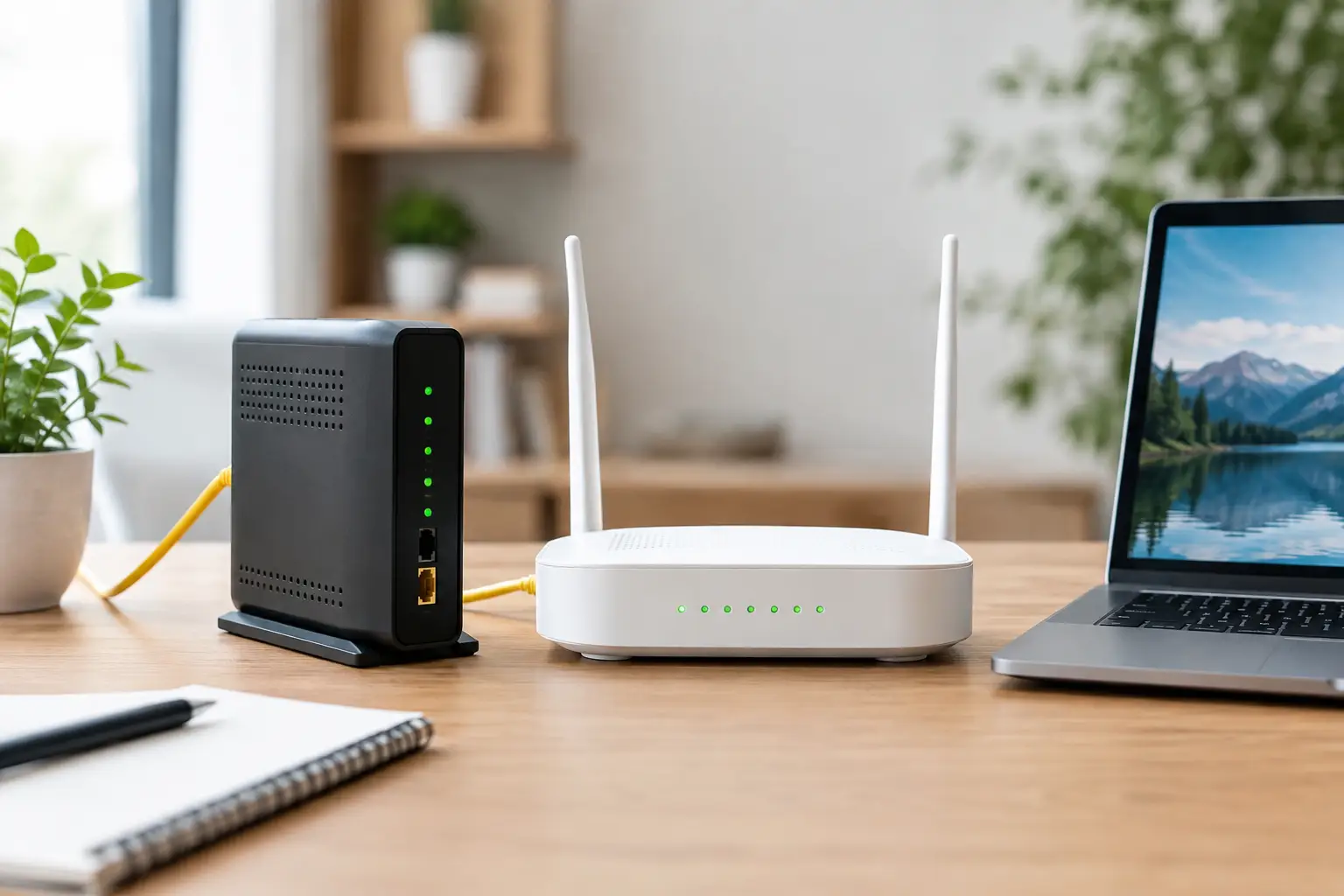
If streams buffer in the evening, audio lags in video meetings, or pages load slowly when several people are online at once, it's worth looking at your infrastructure before your package speed. The differences between ADSL and VDSL determine how your connection feels in everyday use, especially for homes and small businesses that get internet over a phone line.
Both technologies use existing copper telephone cables. However, they differ in how they transmit data, the speeds they can reach and how sensitive they are to the distance along the line. That's why a package your neighbor is happy with may not be enough for the infrastructure in your building or for the way you use the internet.
How do ADSL and VDSL work?
ADSL stands for "Asymmetric Digital Subscriber Line." The asymmetry in the name means that download and upload speeds are different. With an ADSL connection, download speed is noticeably higher than upload speed. For years, this setup was a perfectly adequate solution for activities that mostly involve downloading data, such as browsing websites, watching videos, using social media and checking email.
VDSL is "Very High-Speed Digital Subscriber Line" technology. It also uses copper cable, but it takes advantage of a wider frequency range to reach higher data speeds. The trade-off is that the distance to the exchange or street cabinet becomes more critical. In short, VDSL is faster than ADSL on suitable infrastructure, but there's no guarantee it will perform the same at every address.
The key point is this: an internet package can't deliver real-world speeds above the limit your infrastructure supports. Before choosing a package, finding out whether ADSL, VDSL or fiber infrastructure is available at your address is the first step to setting the right expectations.
ADSL vs VDSL: Speed, distance and user experience
With ADSL, the theoretical download speed can typically reach around 16-24 Mbps, with lower values on the upload side. With VDSL, download speeds of 50 Mbps, 75 Mbps or even close to 100 Mbps may be possible under suitable line conditions. Upload speeds are also higher than with ADSL.
The gap between theoretical values and everyday experience comes down to line quality. The length of the copper cable, the condition of the wiring inside the building, junction points and external factors can all reduce speed or make the connection unstable. VDSL in particular delivers high performance over short distances but can lose part of its speed advantage as the distance increases.
Latency also matters when choosing. Latency is the time it takes for data to travel from your device to a remote server and for the response to come back. For online gaming, video calls, cloud applications and remote access, low and consistent latency makes for a smoother experience. Under suitable infrastructure conditions, VDSL can offer a better experience than ADSL. Still, latency isn't affected by connection type alone; your home Wi-Fi setup, the device you use and the service you connect to also play a role.
When can ADSL be enough?
ADSL may be sufficient for single-person households where the internet is mainly used for following the news, messaging, standard video streaming and email. If budget is your priority and VDSL speeds at your address don't reach the expected level, a balanced ADSL package can be a sensible choice.
However, this decision shouldn't be based on the number of devices alone. For someone working from home, for example, even a single computer can require high and stable upload speeds. Sending large files, video meetings, remote desktop connections and cloud backups make ADSL's upload limitations much more noticeable.
Who is VDSL better suited for?
In homes where several people are online at the same time, VDSL usually provides a more comfortable experience. When one person is streaming while another is in a meeting, the kids are accessing online learning content or a game console is downloading updates, higher download capacity makes a real difference.
VDSL can also be a practical solution for small businesses if the right infrastructure is available. When POS systems, cloud-based accounting software, camera access, video calls and a customer Wi-Fi network all share the same connection, continuity matters as much as high speed. Choose a package based on the business's peak hours, number of employees and reliance on cloud systems.
Why might your speed be lower than the package states?
The "up to" in "up to 100 Mbps" reflects an important technical reality of these connection types. The speed you get depends on the infrastructure capacity measured at your address. This isn't always down to the internet service provider; the physical characteristics of the copper line can have a direct impact.
Old or damaged cables between the modem and the wall socket, unnecessary extensions, weak socket connections and low-quality splitters can all cause signal loss. In older buildings especially, having the internal wiring checked is an effective step toward better connection quality. Placing the modem as close as possible to the main phone line entry and reducing unused extensions can also help.
Wireless networks are often confused with infrastructure speed, too. Your modem may be receiving high speeds over VDSL, but Wi-Fi performance can drop in a room far from the modem, behind thick walls or in an apartment building with many wireless networks. In that case, testing with a wired connection makes it easier to tell whether the problem lies with the infrastructure or your home wireless network.
Your modem should match your connection type
ADSL and VDSL modems don't always have the same features. When switching to a VDSL package, make sure your modem supports VDSL2. An old ADSL modem may not support a connection on VDSL infrastructure or may not deliver the expected performance.
The modem's wireless standard also affects your experience at home. In homes with multiple connected devices, dual-band support, up-to-date Wi-Fi standards and placing the modem in a central location can provide more balanced performance. Even so, the best modem can't fully overcome the physical limits of a weak or long copper line.
What should you consider when choosing between ADSL and VDSL?
When making your decision, start with an infrastructure check and find out the estimated speed available at your address. Then think about how many people and devices connect at the same time at home or at work. Consider not only download speed but also your upload needs for video calls, file sharing and cloud use.
If you have VDSL infrastructure and your line supports suitable speeds, it can be a more comfortable option for heavy use. If your infrastructure only supports ADSL or your VDSL line quality is poor, choosing a package that suits your current conditions is more realistic. At addresses with fiber infrastructure, it's worth considering fiber options separately; since fiber doesn't rely on copper cable, it takes expectations for high speed and stability to a whole new level.
At Tepenet, checking your address infrastructure before you start your package comparison makes it easier to see the options that best fit your needs. Being able to track your application, subscription management and support requests through digital channels also saves you time when dealing with your connection.
Choosing internet isn't just about finding the highest Mbps figure. Consider your address's infrastructure, the real usage at your home or workplace and your support expectations together. The right connection is one that works when you need it and is easy to manage.







