
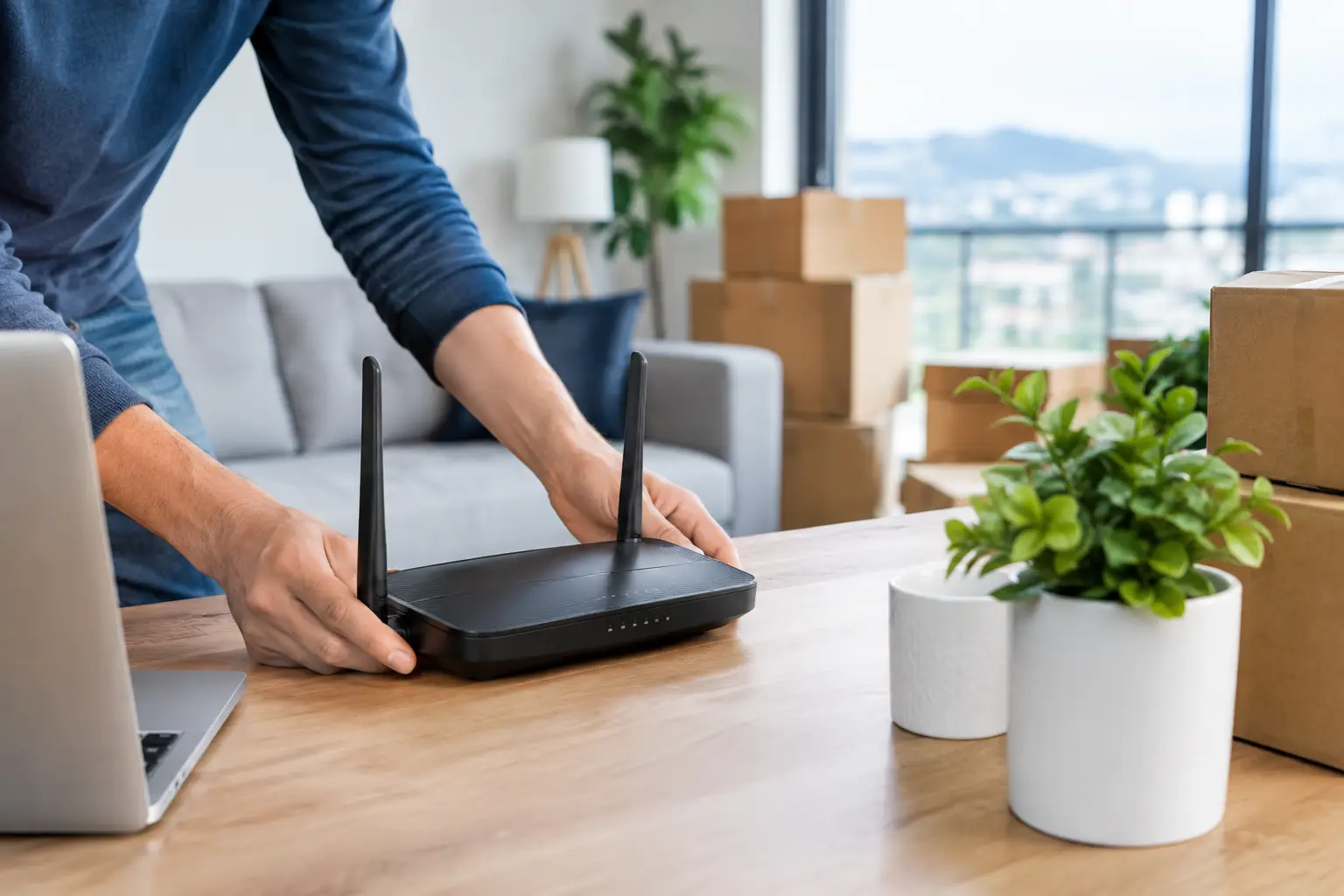
On moving day, between boxes, subscriptions and address changes, the internet is often remembered at the last minute. Yet moving your home internet should be one of the first steps in your moving plan, so you don't spend your first workday, online class or relaxing evening in your new home without a connection. Especially for remote workers, families with children and small businesses that operate online, even a few days of downtime can turn into a serious disruption.
It's not safe to assume that the same speed, infrastructure or installation time will apply at your new address. The building's infrastructure, port availability, the apartment's internal wiring and regional demand all affect the connection process. A timely address check and a clear relocation request make the process much easier.
When should you start moving your home internet?
The best time is as soon as your moving date is confirmed. If possible, submit your request 7-15 days before you move. This gives enough room to check the infrastructure at the new address, complete the necessary technical planning and schedule an installation appointment.
Not every move takes the same amount of time. If the new home already has active, suitable infrastructure, the process may be quicker. On the other hand, if the building has no infrastructure, port capacity is full or there are problems with the in-home wiring, additional work may be needed. That's why the expectation that "my internet will be ready the day I move in" should only be based on the result of your address check.
Before your moving date, also plan when service at your old address will end. If you need internet at your old home for a few more days, aligning the disconnection date with the activation date at the new address will reduce downtime.
Step one: Check the infrastructure at your new address
The most critical part of a relocation request is your new address. Province, district, neighborhood, street, building and apartment details must be entered in full. A wrong apartment number or incomplete building information can lead to inaccurate results or prevent the installation team from finding you.
An address check doesn't just tell you whether you can get internet. It also gives you an idea of which connection types may be available. In a building with fiber infrastructure, higher speed options can be considered, while at some addresses VDSL or wireless internet may be the better solution.
Stability and usage habits matter just as much as speed. If people in your home make video calls, play online games, stream movies and use cloud-based apps at the same time, higher-capacity options offer an advantage. For more basic use, switching to a package beyond your needs may unnecessarily stretch your budget.
Will my current package continue at the new address?
The answer depends on the infrastructure. If your current package is technically supported at the new address, it may be possible to continue under similar terms. However, when the connection type changes, the package speed, modem requirements or service terms may also change.
For example, you may have used VDSL in your old home, while the new building has fiber infrastructure. This creates an opportunity for higher speeds, but the right device, installation and package should be reassessed. In the opposite case, your current speed option may not be offered at the new address. You can also use your relocation request as a chance for a package upgrade that suits your needs.
Prepare your information before applying
To speed things up, keep your ID and contact details up to date. A clearly written new address, your moving date, a reachable phone number and, if needed, notes on how to access the building make installation planning easier.
If you are not the account holder, the authorized person's approval may be required. For subscriptions shared among family members, it's helpful to check in advance whose name the account is registered under. Digital application and approval channels can reduce paperwork and signatures, but you should carefully review the service terms shown on screen when submitting your request.
With internet service providers that have strong digital channels, like Tepenet, being able to track your request online or through the mobile app saves you time. Managing your application, appointment details and any additional requests in one place reduces phone calls during your move.
Why check your modem, cables and in-home wiring?
Whether your internet works at the new address doesn't depend only on the building's infrastructure. Your modem must also be compatible with the new connection technology. In some cases your current modem can be used, but if the connection type changes, a different device may be required. Before packing your old modem, set aside its adapter, power cable and any DSL or Ethernet cables together.
Where you place the modem in your new home also affects connection quality. Putting it in a closed cabinet, near metal surfaces or in the farthest corner of the home can weaken the Wi-Fi signal. If possible, choose a central, open and elevated spot. In homes with thick concrete walls or multiple floors, a single modem may not perform equally well everywhere; in that case, additional coverage solutions can be considered.
The phone socket, fiber termination point and cable line inside the apartment should also be checked. Even if a socket is visible in a new or vacant apartment, the line may not be active. Finding out in advance about the building entrance, meter area or in-home connection point can speed things up by ensuring the technical team has the access it needs.
Make a short plan for installation day
Once your installation appointment is set, make sure someone will be at the address during the given time window. Access to the apartment and, if necessary, shared areas may be required. Contacting the building attendant, property management or landlord in advance helps avoid delays, especially with locked technical rooms.
After installation, don't just wait for the internet light to turn on. Test the connection on your phone and computer, and set a secure Wi-Fi network name and password. Try everyday scenarios such as video calls, streaming and connecting multiple devices. If you run into a problem, it's practical to mention it before the installation team leaves.
Even when the connection is active, try different modem positions during the first few days and observe the coverage throughout your home. Signal strength can vary in heavily used areas such as the study, children's room and living room. This small check reduces performance complaints later on.
Ways to reduce downtime
A completely uninterrupted connection during a move isn't always possible. Depending on the infrastructure and appointment schedule, there may be a short transition period. If you have a critical meeting, a remote exam or a work deadline, plan an alternative connection in advance. Mobile hotspot sharing can work for short-term needs, but keep data limits and speed caps in mind for data-heavy tasks.
Don't rush to cancel the subscription at your old address before making sure service is active at the new one. A brief overlap of service at both addresses may cost extra, but if your work depends on the internet, that cost may be lower than the loss caused by downtime. The right choice depends on your usage needs and moving budget.
If your speed expectations aren't met after the move, first test the connection using a cable. If the issue is only on the Wi-Fi side, the modem position or wireless settings may be the cause. If the problem persists on a wired connection too, open a support ticket and request infrastructure and line checks.
The moment you first go online in your new home is one of the most reassuring little steps of moving. Check your address early, have everything ready for installation and test your connection before your daily routine begins. That way, your new address becomes not just a place you've moved to, but a living space ready for working, staying connected and enjoying your time.







