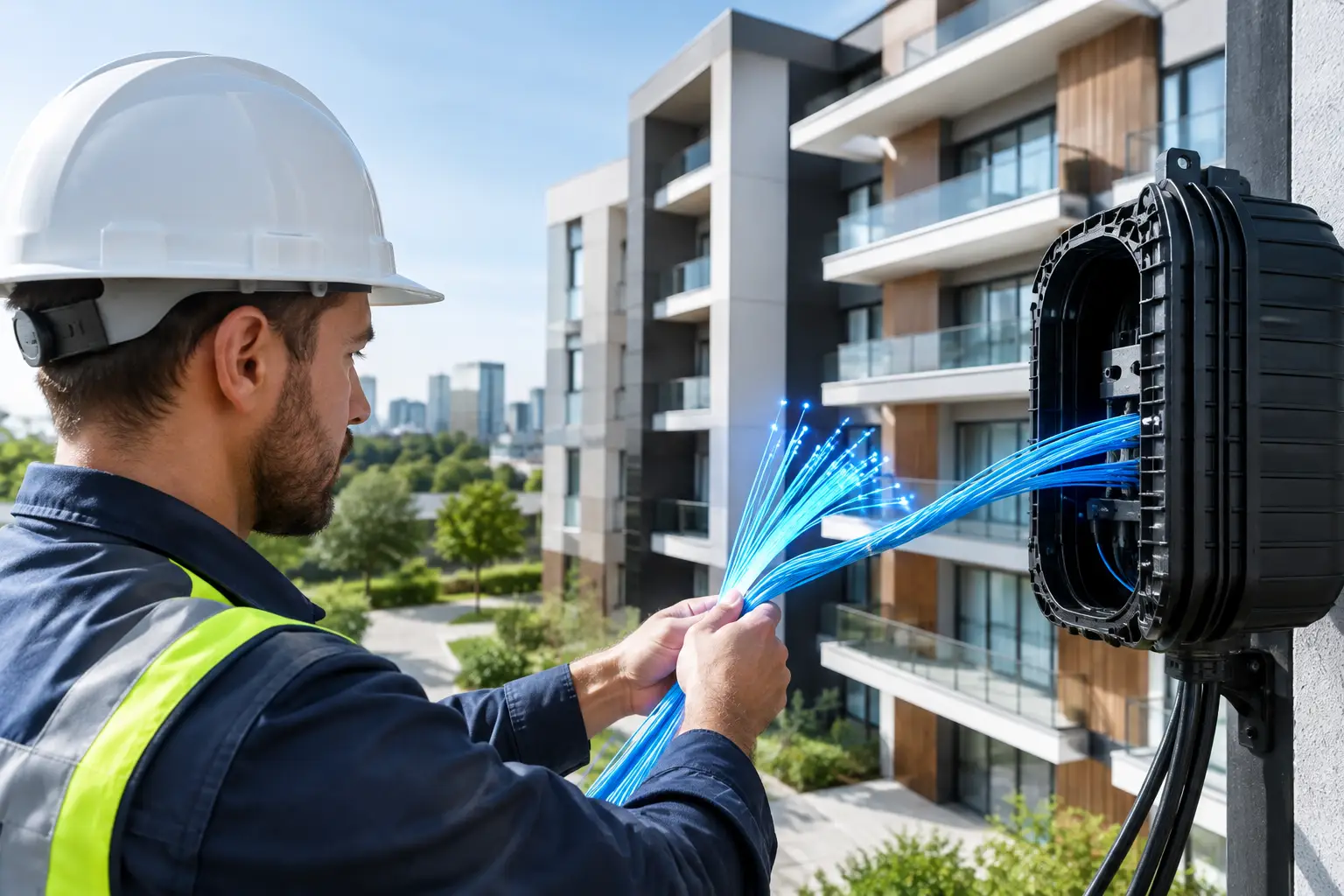
When choosing an internet package, the most common question is: is fiber available in every building? The short answer is no. Fiber internet service being available in an area doesn't mean every apartment building or detached house there has a direct fiber connection. That's because connection quality depends not only on the infrastructure in your neighborhood, but also on the type of line reaching your building and the condition of the wiring inside it.
This distinction matters especially for remote workers, students in online education, families who stream high-resolution content and businesses that rely on cloud-based systems. Knowing your actual infrastructure doesn't just set expectations about speed; it also makes your application, installation and budget planning more realistic.
Is fiber available in every building, and why does it vary?
Fiber coverage can vary from area to area, and even between buildings on the same street. The main reason is that physical installation is needed to bring fiber cable from the operator's network to the building and, ideally, all the way to the apartment. A newly built building may already have suitable wiring in place, while an older apartment building may require additional work.
When infrastructure is assessed, it's not just the district of the address that counts. The street's network plan, the building's location, existing cable ducts, the building management's approval process and technical capacity are all examined together. So the building across the street having fiber doesn't necessarily mean the same service can be activated right away in yours.
In Kocaeli and the surrounding area, fiber access is more common in newer residential developments. In older neighborhoods, however, VDSL or wireless internet can be suitable alternatives that can be set up quickly. The real goal is to choose the connection that genuinely meets your needs, not just the technology for its own sake.
Why does it matter how fiber reaches your building?
Not every fiber connection works the same way. Whether fiber cable reaches the building, the building entrance or directly into your apartment makes a difference in achievable speed, connection stability and the installation process.
Setups where fiber reaches the apartment
In this setup, known as FTTH, the fiber cable runs directly to the apartment. It's a strong option for users who want high speeds, low latency and a more stable experience under heavy use. The advantage is most noticeable in households where people make video calls, play online games, stream 4K content and upload large files at the same time.
This setup is valuable for small businesses too. When POS systems, cloud backup, IP camera access and remote work tools share the same connection, the line's capacity can directly affect business continuity.
Setups where fiber reaches the building entrance
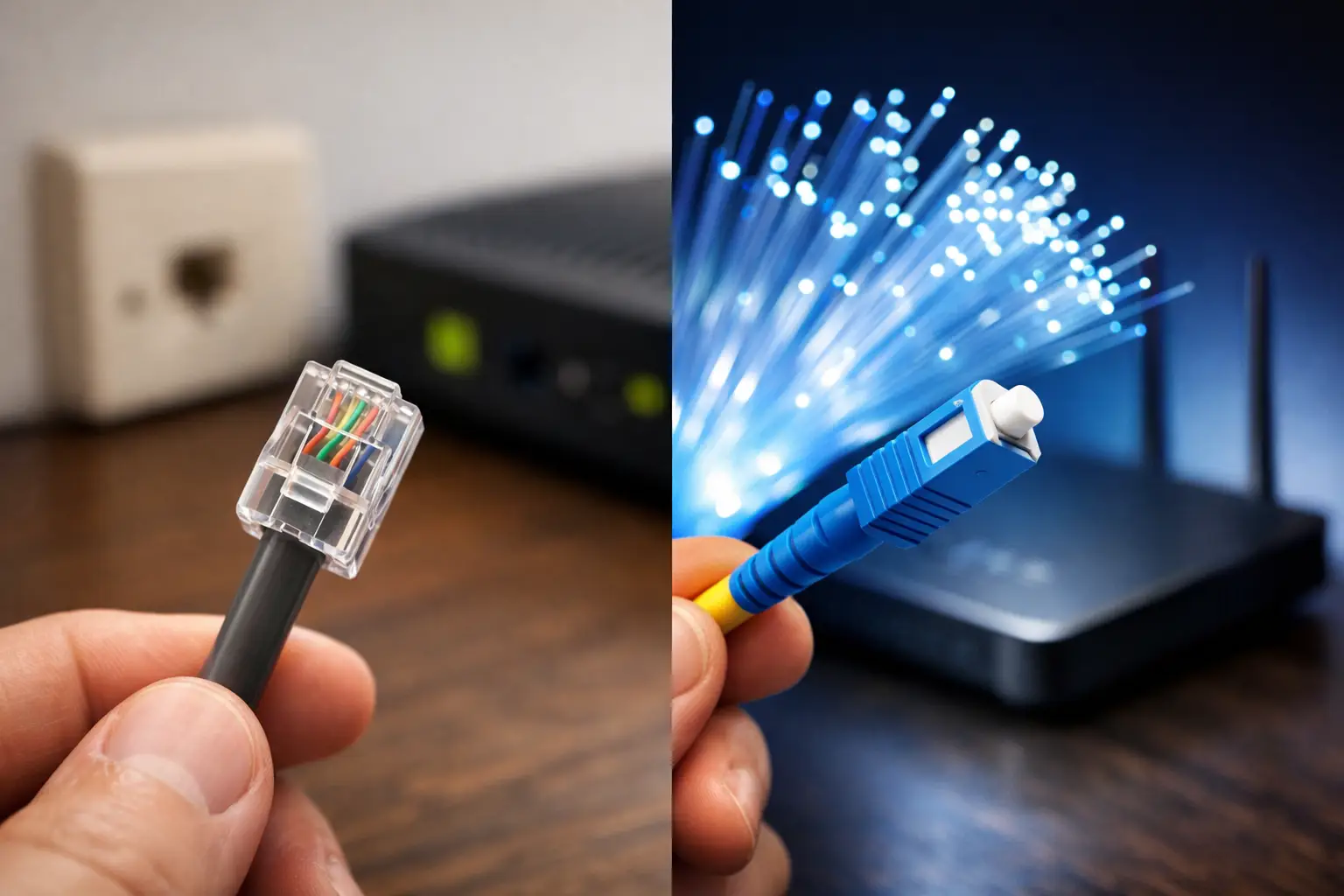
In some buildings, fiber cable reaches the distribution point at the building entrance, while the final stretch to the apartments uses a different cable infrastructure. High-speed options may still be offered in this case, but the quality of the in-apartment connection can affect performance.
This setup doesn't mean a poor internet experience. However, the package you choose, the number of devices at home and your usage habits should be considered together. For example, two people with basic internet use don't have the same needs as a home with many connected smart devices.
Copper-based alternatives
If your building doesn't have fiber, VDSL infrastructure can be a practical solution for many users. VDSL speeds vary depending on the distance to the exchange or street cabinet and the physical quality of the line. With the right package, it can deliver satisfying results for everyday use, online meetings, social media, video streaming and working from home.
In some locations where fixed infrastructure is limited, wireless internet is also an option. With the right coverage conditions, it's a practical alternative, especially for users who want a quick installation or don't want to wait for infrastructure work.
How can you find out if your building has fiber?
The most reliable method is an address-based infrastructure check. A query using your province, district, neighborhood, street, building number and, if possible, apartment details shows the available connection types more clearly. Don't settle for "there's fiber in the area"; confirm the service that can actually be provided to your building.
If the check shows fiber, review the speed options offered and the installation conditions. The word "fiber" alone isn't enough to make a decision. Contract length, modem requirements, installation timing, campaign terms and support channels are also part of the subscription experience.
If fiber doesn't show up, your building caretaker, manager or neighbors may have some insight into the existing wiring. For definitive information, though, a technical check by the provider is needed. Sometimes an infrastructure option exists that doesn't immediately appear in the system; other times, planning may be needed to run a new line to the building.
What can you do if your building doesn't have fiber?
The first option is to evaluate the available VDSL or wireless internet alternatives based on your real usage needs. Instead of focusing only on the highest megabit figure, think about how many people use the connection and what tasks happen at the same time. For someone working from home, for example, stable video calls can be more critical than download speed alone.
Second, it's worth having your building's internal wiring checked. Old, worn or disorganized cabling can hurt the performance your existing infrastructure is capable of. Modem placement, Wi-Fi coverage and the wireless connection quality of your devices can also be behind the perception of slow internet.
If other residents have similar requests, it also makes sense to submit an infrastructure request through building management. Operators may take regional demand and technical feasibility into account when planning investments. That said, it's not realistic to expect a fixed date for infrastructure work; permits, site surveys and field conditions all affect the process.
Don't look only at speed when choosing a fiber package
With fiber infrastructure, higher speeds are possible, but the best package isn't the same for everyone. A family of four has different needs than one person doing basic tasks on a single computer. Likewise, in a small office, the number of employees, cloud applications and guest network usage all affect package choice.
When comparing packages, consider upload capacity as well as download speed. For people who send files, back up to the cloud, create content or use security cameras, upload speed shapes the daily experience. For online gaming and video meetings, latency and connection stability matter most.
Don't forget how up to date your modem is, either. An old modem, or one placed in the farthest corner of the house, can limit the benefits of strong infrastructure. When needed, the right modem, proper placement or additional wireless access solutions can provide more balanced coverage.
What to clarify before applying
To speed up the subscription process, have your address and contact details ready and accurate. When applying, ask about the infrastructure type, achievable speed, installation requirements and when the service can be activated. Processes that offer E-Devlet approval, online applications and digital tracking reduce unnecessary delays.
Support quality is also an important part of the decision. Easily reachable technical support for modem setup, Wi-Fi coverage issues or connection monitoring after installation makes your internet service easier to manage. With providers like Tepenet that offer options across different infrastructure types, an infrastructure check is the best first step toward finding the right solution for your address.
Your building may not have fiber today, but that doesn't mean you can't have fast and reliable internet. Find out the actual infrastructure at your address, assess your usage habits accurately and choose an option that offers control and support as well as speed.