
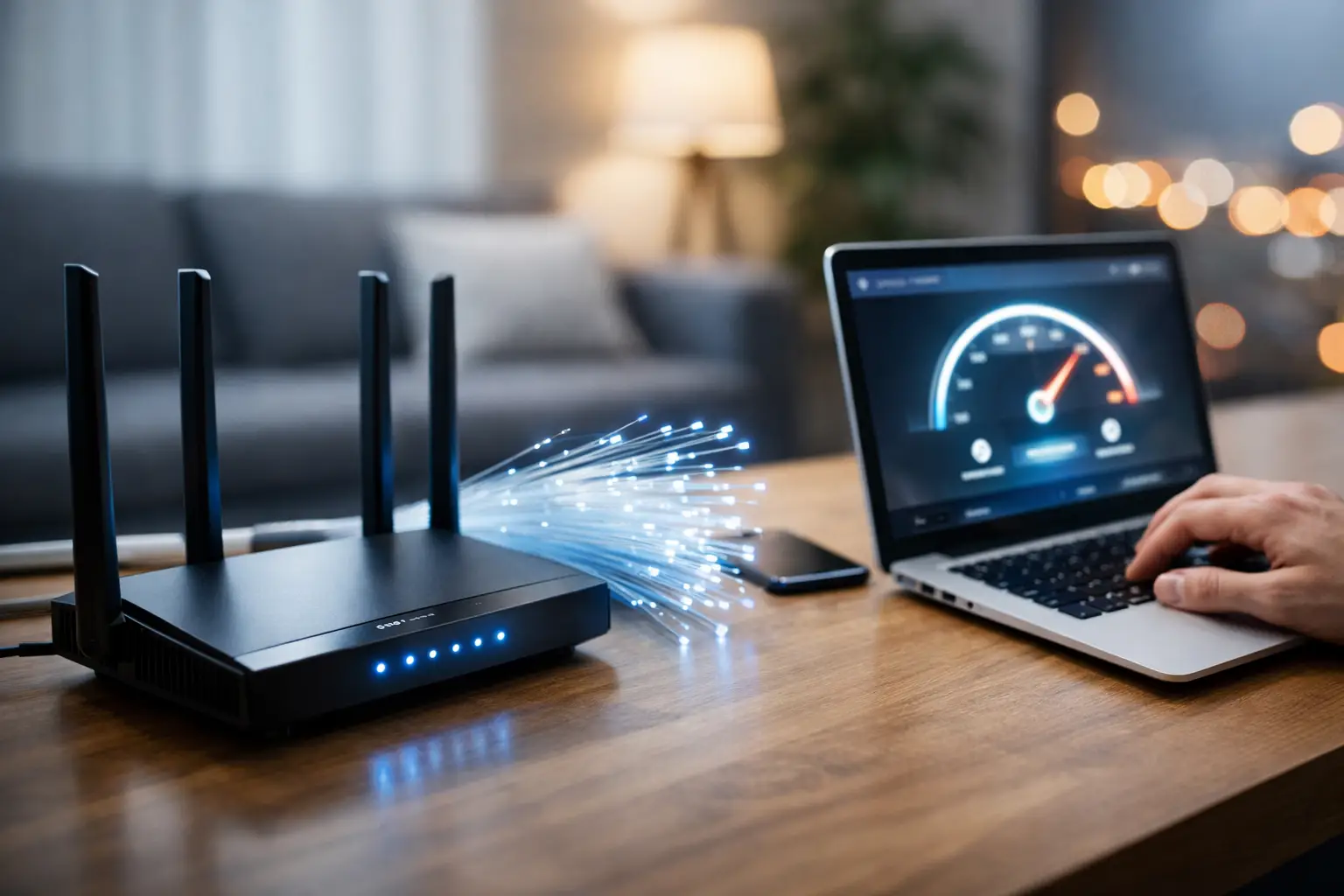
When your picture quality drops as soon as you start a show in the evening, your audio lags during a video meeting, or the connection slows down while you're taking a payment at the till, it's a sign that a package shouldn't be judged by its “high Mbps” label alone. This fiber internet packages guide helps you strike a realistic balance between speed, infrastructure, usage habits and budget for your home or business.
Fiber internet runs over fiber optic cables that carry data as light signals. This setup can deliver a more stable experience, especially in homes where many devices are connected at once and in businesses that need uninterrupted access. But to get the right result, rather than simply going for the fastest package, you should consider the infrastructure at your address together with how you use the internet day to day.
Fiber internet packages guide: What to check first
Before choosing a package, check whether fiber infrastructure is available at your address. In a building with fiber infrastructure, the maximum speed on offer can vary depending on the type of connection coming into the building and the condition of the internal wiring. So it's not safe to assume that the speed in a campaign is the same as the speed you can get at your address.
The second point is how many people and how many devices will use the internet. One person using email, social media, online classes and everyday video has very different needs from a family of four who game, stream in 4K, work remotely and run cloud backups all at the same time. In businesses, POS devices, security cameras, cloud-based software and a guest network can all add to the total demand.
Finally, look beyond the monthly price to how easy the connection is to manage. Online applications, digital document approval, bill tracking via a mobile app and accessible technical support are an important part of the service, especially for busy users.
Work out your speed needs before looking at Mbps figures
In internet speed, Mbps refers to the amount of data that can be transferred per second. The higher the number, the greater the capacity; but not every user needs the highest speed. The right package is one that doesn't keep you waiting in daily use and doesn't push up your budget unnecessarily.
Balanced speeds for basic home use
Small households that mainly use the internet for browsing, social media, online banking, music and HD video can enjoy a comfortable experience with mid-range packages. If two or three devices are active at the same time at home, you also need to factor in shared capacity during video calls and streaming.
What really matters here isn't a speed test on a single device, but the experience when everyone is connected. For example, if one person can stream high-resolution video while another is in a meeting without straining the connection, the speed you've chosen matches your daily needs.
Heavy use and larger households
Higher speeds make sense in households where several people work from home, children attend online classes, or gaming and streaming platforms are used at the same time. 4K content, large file downloads and game updates eat up capacity more quickly.
For this kind of usage, higher speed doesn't just shorten download times. It also gives the connection more breathing room when the network gets busy. Even so, your modem, wireless network and devices need to support that speed. If you have an old modem or a weak Wi-Fi signal in a far corner of the home, upgrading your package alone may not solve the problem.
For businesses, continuity matters more than speed
For small and medium-sized businesses, an internet outage means more than just slowness. Sales transactions, customer communication, inventory systems and cloud applications can all be directly affected. So when evaluating a business package, consider the number of employees, connected devices, critical software and peak hours during the day together.
For businesses that offer guest Wi-Fi, such as cafés, shops or offices, it's also helpful to separate staff and visitor networks. That way, guest traffic has less impact on the performance of devices needed for work.
Why upload speed shouldn't be overlooked
When looking at an internet package, most users focus on download speed. But upload speed is decisive for video calls, sending files to the cloud, accessing security cameras, live streaming and sharing content.
For freelancers, architects, designers, software teams and businesses that share files frequently, upload speed directly affects the daily workflow. For anyone working from home, camera clarity and audio quality in meetings are also linked to upload capacity. So be sure to check the upload value listed in the package details.
One of the strengths of a fiber connection is that it can offer a more balanced experience depending on the usage scenario. However, the values offered vary according to the package and infrastructure conditions. To set the right expectations, the soundest approach is to confirm the details specific to your address before applying.
Contract, no-contract and prepaid options
On the pricing side of choosing a package, the contract period is an important decision point. Contract packages may offer a price advantage or campaign terms for a set period. They provide budget predictability for users with a regular usage plan and little chance of moving.
No-contract options, on the other hand, give you more room to manoeuvre. Short-term tenants, people planning to move, or users whose usage changes seasonally may prefer this flexibility. Although the monthly price may look like the only criterion at first glance, cancellation terms, activation, installation, the modem and any relocation processes should all be considered together.
Prepaid alternatives can also be practical for users who want to stay in control. The best choice here isn't the package that looks cheapest, but the one that offers a total cost suited to how long you'll use it and how you prefer to pay.
Installation and in-home Wi-Fi are part of the package
Even if the fiber connection is strong all the way to your building, you may still have a weak wireless experience inside your home. The position of the modem is critical here. Putting the modem in a closed cabinet, next to metal surfaces or in the farthest corner of the home can weaken the signal. If possible, choose a central, open and fairly high spot.
In large homes, duplex layouts or offices with many rooms, a single modem may not deliver an even signal everywhere. In that case, solutions such as a Wi-Fi range extender, a mesh system or a wired access point are worth considering. For fixed equipment in particular, such as desktop computers, game consoles and POS devices, an ethernet cable can provide a more stable connection.
During installation, changing the modem password to a strong one, removing unnecessary devices from the network and keeping device firmware up to date are also beneficial for both performance and security.
Look for convenience from application to support
Internet service isn't a process that ends with the application. Steps such as subscription approval, installation appointments, billing management, package changes and technical support all need to go smoothly. Methods like digital applications and approval via e-Devlet can speed up the process by reducing paperwork.
Once you start using the service, being able to access your subscription details through online services and a mobile app also gives you day-to-day control. For users who don't want to jump between different channels for things like quota, bills, payments or support requests, these features save a lot of time.
When weighing your options in Kocaeli and the surrounding area based on the infrastructure at your address, you can explore Tepenet’s fiber, VDSL and wireless internet alternatives to find the solution that suits your usage. Even at an address without fiber, there may be another connection type that meets your needs.
Ask yourself before choosing a package
To firm up your decision, answer three questions honestly: How many people connect to the internet at the same time, which applications do you use most heavily, and are you planning to move or change your working arrangements in the near future? These answers reduce both the risk of performance problems from too little speed and the risk of overpaying for capacity you won't use.
Once you know the infrastructure at your address, compare speed, upload, contract terms and the installation process side by side. The right connection isn't just the one that shows a big number on a speed test; it's the one that works reliably when your meeting starts, when your customer is paying and when everyone at home is online.







