
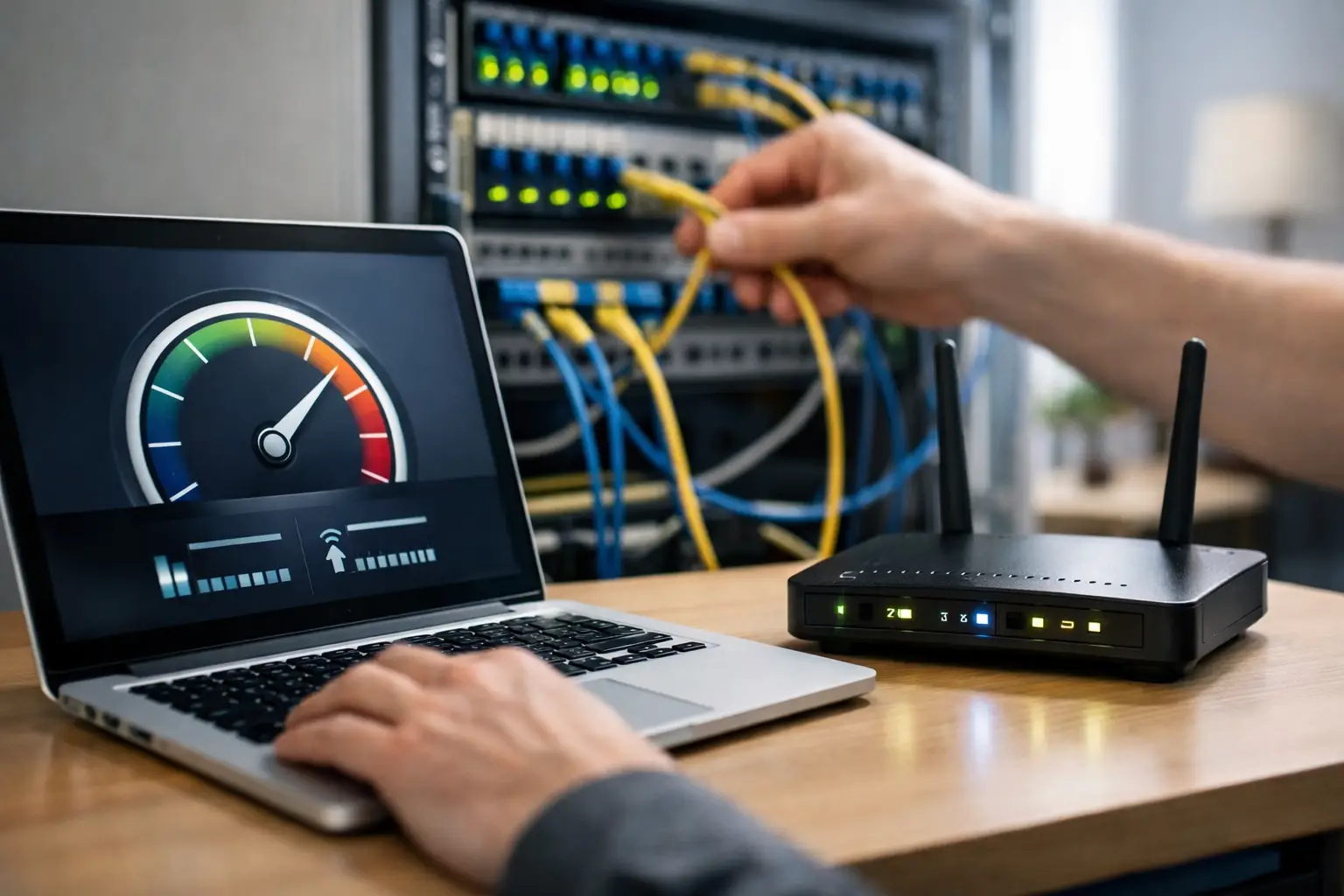
When choosing an internet package, the high Mbps figure on the screen isn't enough on its own. A VDSL infrastructure guide helps you correctly interpret the speed available at your address, recognize the factors that affect your connection and choose the package that fits your needs. Especially for people working from home, families attending online classes and small businesses using POS terminals, cloud applications or video calls, infrastructure details directly affect everyday comfort.
In many parts of Türkiye where fiber hasn't yet reached the building or home, VDSL remains a strong alternative. However, not every VDSL line delivers the same result. The distance from your address to the street cabinet, the in-building wiring, the quality of your modem and your household's usage habits together determine your real-world experience.
VDSL infrastructure guide: Start by understanding the technology
VDSL is an internet technology that runs over copper telephone cables. It can reach higher speeds than classic ADSL, mainly because it uses a wider frequency range for data transmission. With a VDSL connection, the internet signal usually travels over a fiber network to the street cabinet in your neighborhood, while the existing copper cable is used for the final stretch.
This setup offers a practical advantage in terms of installation. You can use high-speed internet without a new fiber cable being run all the way to your building. On the other hand, the signal weakens as the length of the copper cable increases. That's why even two neighbors on the same package may measure different speeds.
With VDSL, the “up to” wording on a package describes the line's theoretical maximum. The speed you can actually reach depends on the technical conditions at your address. Setting the right expectations here is the first step to being satisfied with your package.
What determines the VDSL speed at your address?
The biggest factor in VDSL performance is the distance between your building and the street cabinet. Lines close to the cabinet can achieve higher and more stable speeds. As the distance grows, the likelihood of lower download speeds and fluctuating connection quality increases.
Old, spliced or worn telephone wiring inside the building can also limit performance. If the cable reaching your apartment follows a very long route or has multiple splice points, signal loss can occur. This may cause a line that looks good in an availability check to perform worse than expected inside your home.
Another consideration is line capacity. The value shown in an availability check usually indicates the estimated maximum speed the line can support. The package you choose should be close to this capacity, but not unnecessarily above it. For example, at an address where the line supports around 35 Mbps, switching to a much faster package won't increase your actual download speed by the same amount.
How should you evaluate your availability check result?
Don't settle for simply seeing “VDSL available” in the availability check. Look at the maximum speed option offered, the upload speed if listed and the connection type together. If one person at home uses email, social media and video streaming, a mid-range speed may be enough. Households where several people stream 4K content, play games or join video meetings at the same time need more capacity.
Businesses should approach the evaluation a little differently. In an office, the number of staff, cloud-based software, camera systems, remote access and backups all increase internet usage. Rather than focusing only on download speed, upload needs should also be taken into account. For businesses that send files, hold online meetings or transfer data to cloud systems, upload speed noticeably affects the daily workflow.
If your result looks borderline, choosing a speed that can run stably may offer a better experience than picking the highest package. A balanced connection that reliably meets your needs is worth more than a high speed that constantly fluctuates.
Your home setup can change your real speed
Even if your package and infrastructure are right, Wi-Fi conditions can lower your test results. The wireless signal may weaken especially in homes with thick walls, when the modem is in a distant room or when there are many wireless networks nearby. In that case, the problem may not be the VDSL line itself.
For a healthier connection, the modem should ideally be in an open, central location close to the main telephone line entry point. Placing the modem inside a closed cabinet or right next to electronic devices can negatively affect wireless coverage. In large homes, solutions such as range extenders, mesh systems or wired access points are worth considering.
When running a speed test, connecting your device directly to the modem with an Ethernet cable gives the most reliable result. In wireless tests, the device's Wi-Fi standard, its distance from the modem and other devices connected to the network at the time all affect the outcome. So it isn't accurate to conclude that your infrastructure is inadequate based on a single Wi-Fi measurement.
To improve your connection experience, you can regularly carry out these four checks:
- Make sure your modem firmware is up to date.
- Replace old or damaged telephone cables with short, high-quality cables wherever possible.
- Reduce unnecessary splices, splitters and extension cables.
- Repeat speed tests at different times of day, using a wired connection if possible.
Choose your VDSL package based on how you use the internet
Choosing the right package isn't about getting the highest number; it's about finding the capacity that matches your usage. In a home where several devices connect throughout the day, video calls, streaming and social media may all run at the same time. Here, connection stability matters just as much as maximum speed.
For online gamers, latency is also important. VDSL can provide a good enough gaming experience under suitable line conditions, but ping isn't affected by your internet package alone. The location of the game server, Wi-Fi use at home and heavy downloads running at the same time can also increase latency. Using a wired connection while gaming gives more consistent results whenever possible.
For remote workers, video call quality and upload speed are key. If you're in a meeting while large files are uploading over the same connection, it helps to schedule other heavy activity on the network. In small businesses, keeping the guest Wi-Fi network separate from work devices helps critical operations run more smoothly.
Where to start if you experience slowdowns or disconnections
When your internet slows down, the first step is to turn off your modem and restart it after a short while. Temporary connection problems can often be solved with this simple step. If the problem continues, run a wired speed test and check the line values in your modem interface. Technical data such as line attenuation and noise margin give an idea of the physical quality of the connection.
If the problem occurs only in a particular room or only on Wi-Fi, the focus should be on wireless coverage. Disconnections that persist on all devices, including over a wired connection, may be caused by the wiring or the external line. Sharing this information with the technical support team speeds up the resolution process.
If VDSL infrastructure is available at your address, don't base your package decision solely on the availability check. Consider your usage, number of devices and home setup together. Through Tepenet's digital application and support channels, you can explore the options suited to your address and get technical support when needed to manage your connection with greater control.
A great internet experience usually comes not from one big change, but from combining the right infrastructure choice with the right setup. Clarify the capacity at your address, define your needs without overestimating them and move forward by measuring the performance you expect from your connection.







